Free tool
Compress photos
Get photos under the limit an upload form sets: 1 MB, 500 kB, 100 kB. In your browser, nothing uploaded, no location kept. Free, no sign-up.
Nothing is uploaded. Your photos are compressed on this device and never leave it.
No location in your JPGs. Where and when a photo was taken is left out.
made from a few selfies
Want photos like these?
Luala makes a photo shoot of you from a few selfies: a café, a city walk, golden light. Your first 8 photos are free.
Start your shoot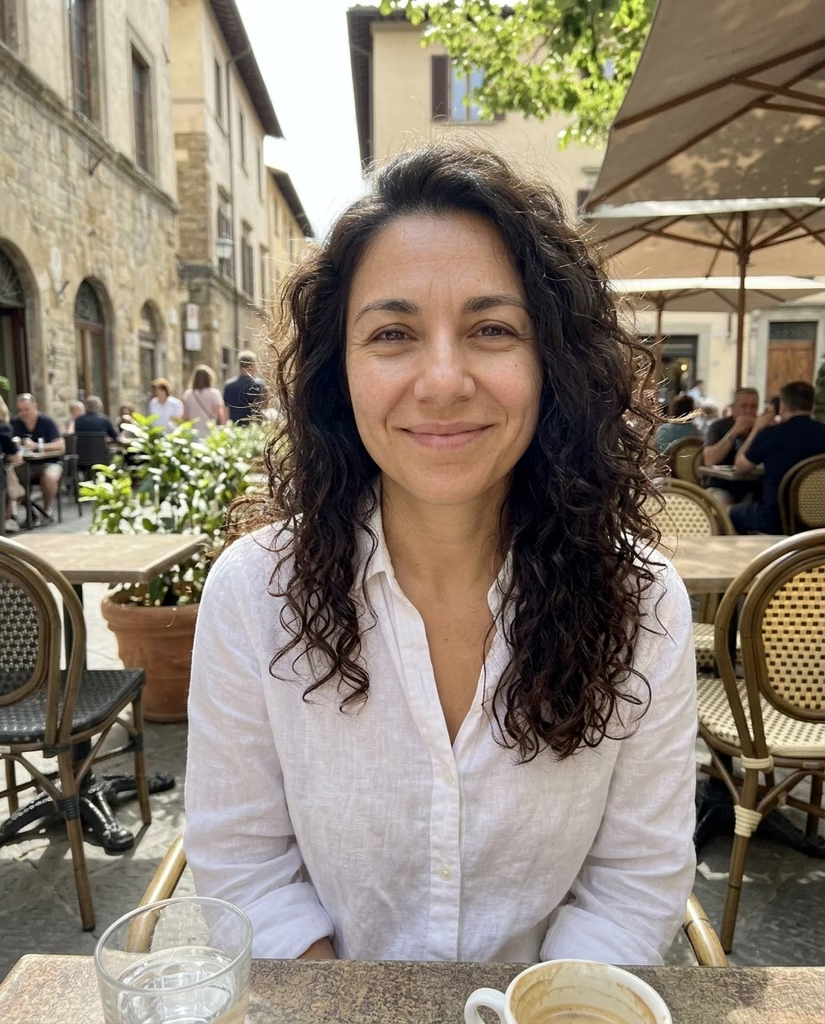


When a photo is too big to upload
A photo from a recent phone is 3 to 8 MB. Job portals, visa applications and school forms often take 1 MB or less and turn the rest away.
Pick the limit, drop your photos, and each one comes back as a JPG under it. The quality goes down first; the photo gets fewer pixels only when quality alone can't reach the limit.
Questions
Are my photos uploaded?
No. Your browser compresses them on this device. They aren't sent to Luala or anywhere else.
Will my photo look worse?
A photo keeps its full size in pixels when a lower quality is enough to reach your limit. At 200 kB or 100 kB it usually gets fewer pixels: fine on a screen or in a form, too small to print.
Why did the size in pixels change?
Some limits can't be reached by lowering the quality alone. Then the photo gets fewer pixels too, and its row shows the new size.
Can I compress an iPhone HEIC photo?
Yes. A HEIC photo comes back as a JPG under your limit, like any other photo.
How many photos can I compress at once?
As many as you choose. They're compressed one after another, and once two are done you can download them all as one zip.
What happens to the location and camera details?
They're left out. A JPG from here carries the picture only, not where or when it was taken or on which phone.