HEIC to JPG
iPhone photos to JPG, as many as you like, same names.
Convert, compress, resize and crop as many photos as you like. Your browser does the work on this device, so your photos stay with you.
iPhone photos to JPG, as many as you like, same names.
JPG, PNG or WebP, whichever the next app asks for.
Under 1 MB, 500 kB or 100 kB, for the form that refused it.
To a size in pixels or a percentage. Nothing cropped or stretched.
Frame each photo: any shape, a square, 4:5, 9:16 or 16:9.
Hide a face or a number plate: blur or pixelate the part you mark.
You, cut out of the photo, as a PNG with nothing behind you.
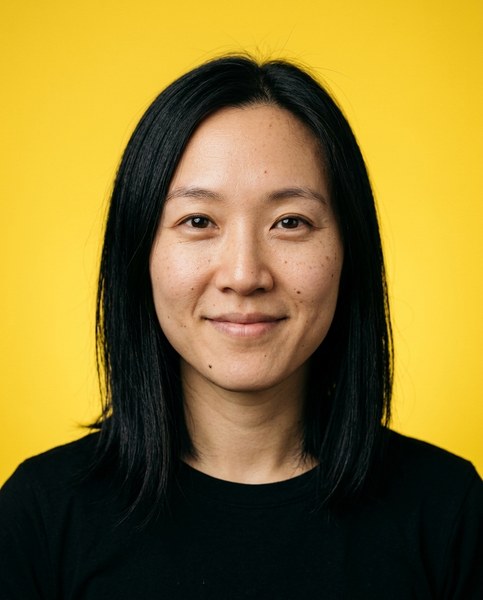
Your photo at a passport or visa size, on a plain background, with a sheet to print.
Paint over a stranger, a bin or a caption, and it's gone.
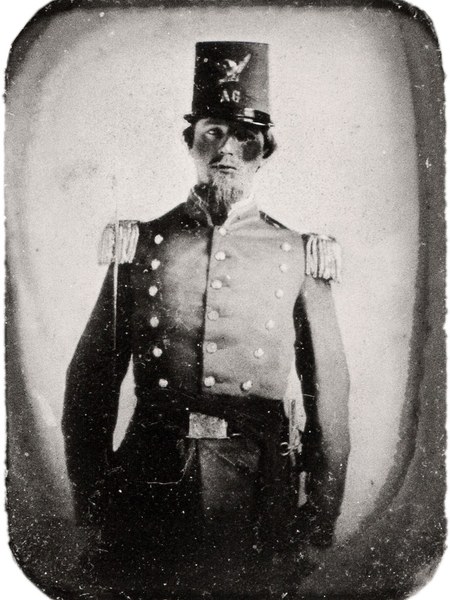
An old black-and-white photo in colour, its light and shade as they were.
A soft or small photo, twice or four times as large and sharper.
when the browser can't
Take a photo to 4K, remove or replace its background, repair an old print. These run on Luala's servers and cost credits.
made from a few selfies
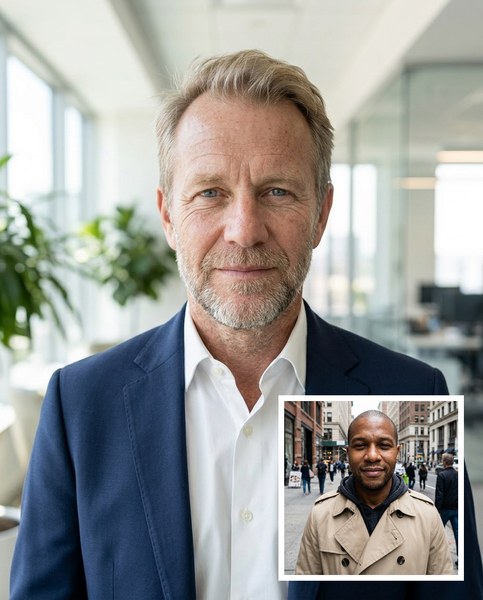
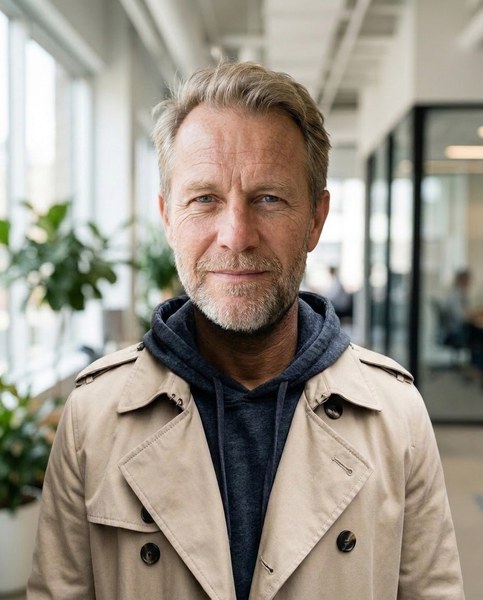
Luala makes a photo shoot of you from a few selfies: a café, a city walk, golden light. Your first 8 photos are free.
Start your shoot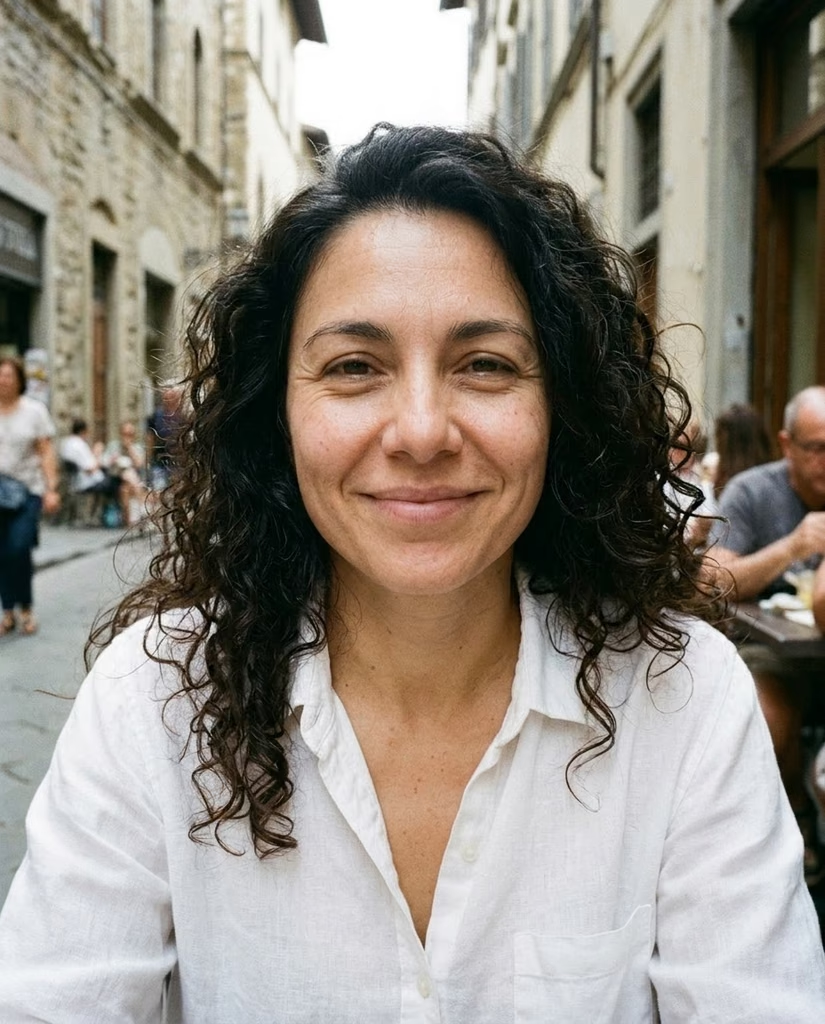


No. Every tool here runs in your browser, on this device. Your photos aren't sent to Luala or anywhere else.
Yes, every tool, for as many photos as you like, with no sign-up and no watermark.
Resize keeps the whole photo and changes its size; crop cuts it to a shape. For a profile photo or a post, pick your platform under Crop or Resize: it opens on that platform's sizes.
We can't find the internet
Attempting to reconnect
Something went wrong!
Attempting to reconnect