Free tool
Resize photos
Change your photos' size in pixels or by a percentage. Nothing cropped or stretched, nothing uploaded, no location kept. Free, no sign-up.
Nothing is uploaded. Your photos are resized on this device and never leave it.
No location in your JPGs. Where and when a photo was taken is left out.
On photos made in Luala
Upscale takes it to 4K
Resizing never makes a photo bigger: enlarging adds pixels but no detail. Upscale takes a photo Luala made to 2K or 4K and draws the detail in.
It works on photos you make in Luala, not on the photos you resize here.
Try it on a photo of you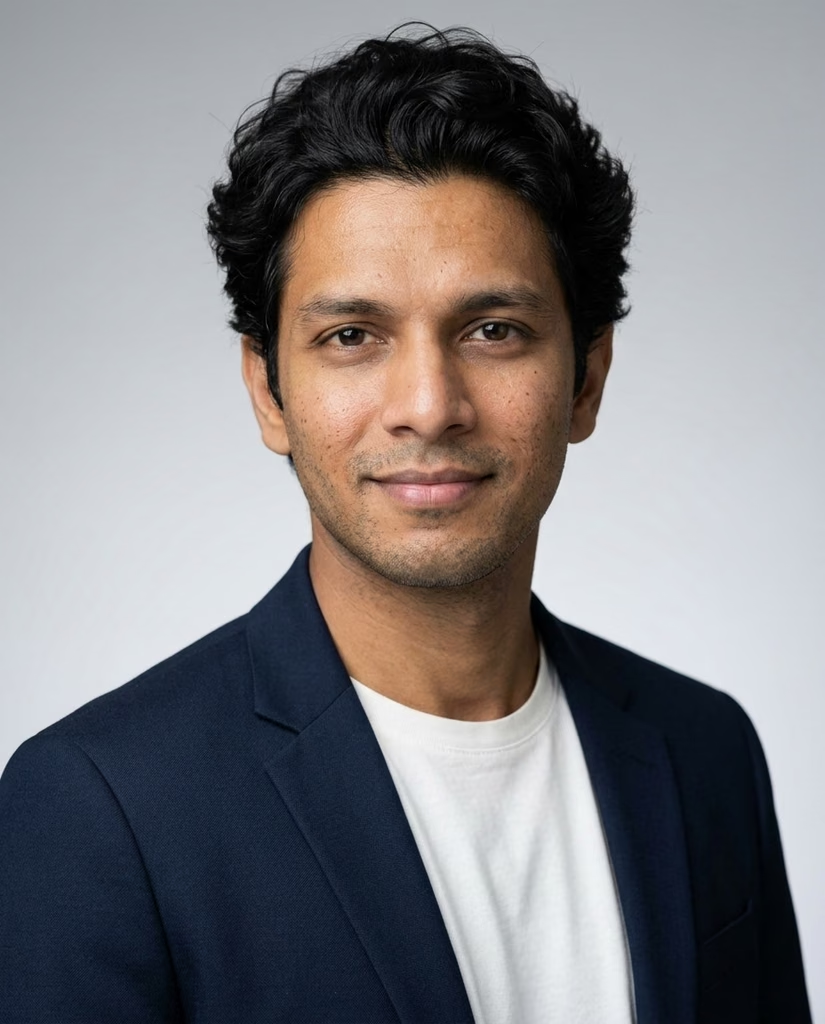
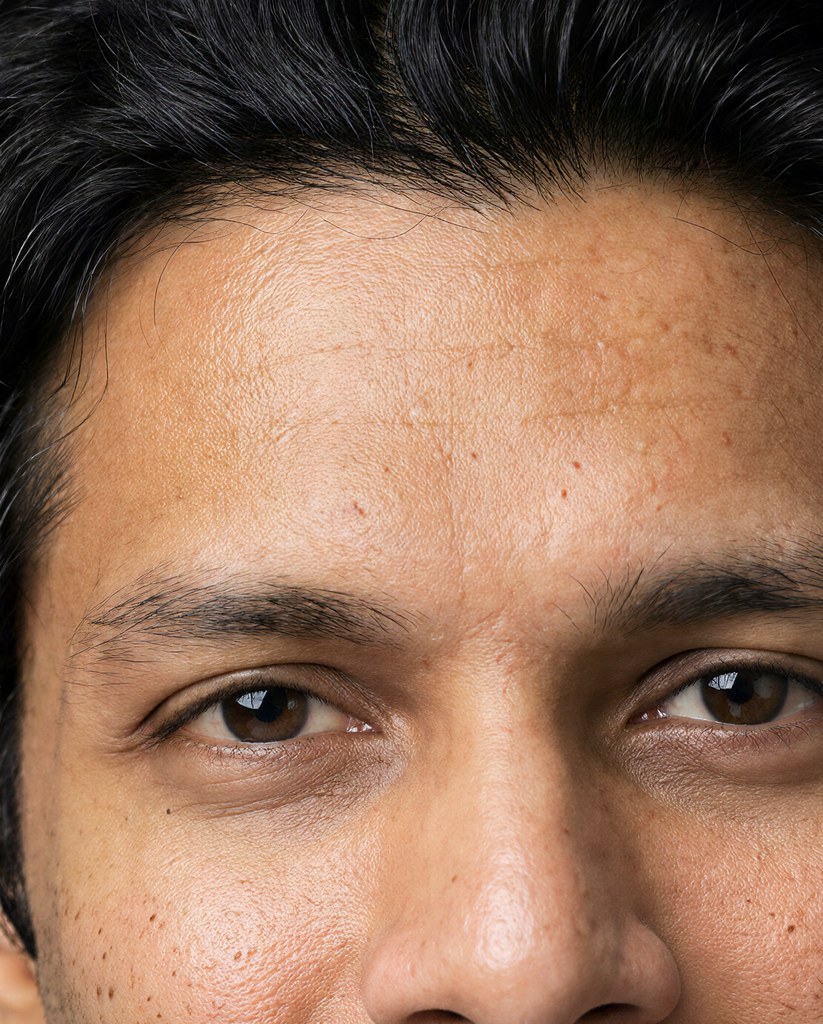
made from a few selfies
Want photos like these?
Luala makes a photo shoot of you from a few selfies: a café, a city walk, golden light. Your first 8 photos are free.
Start your shoot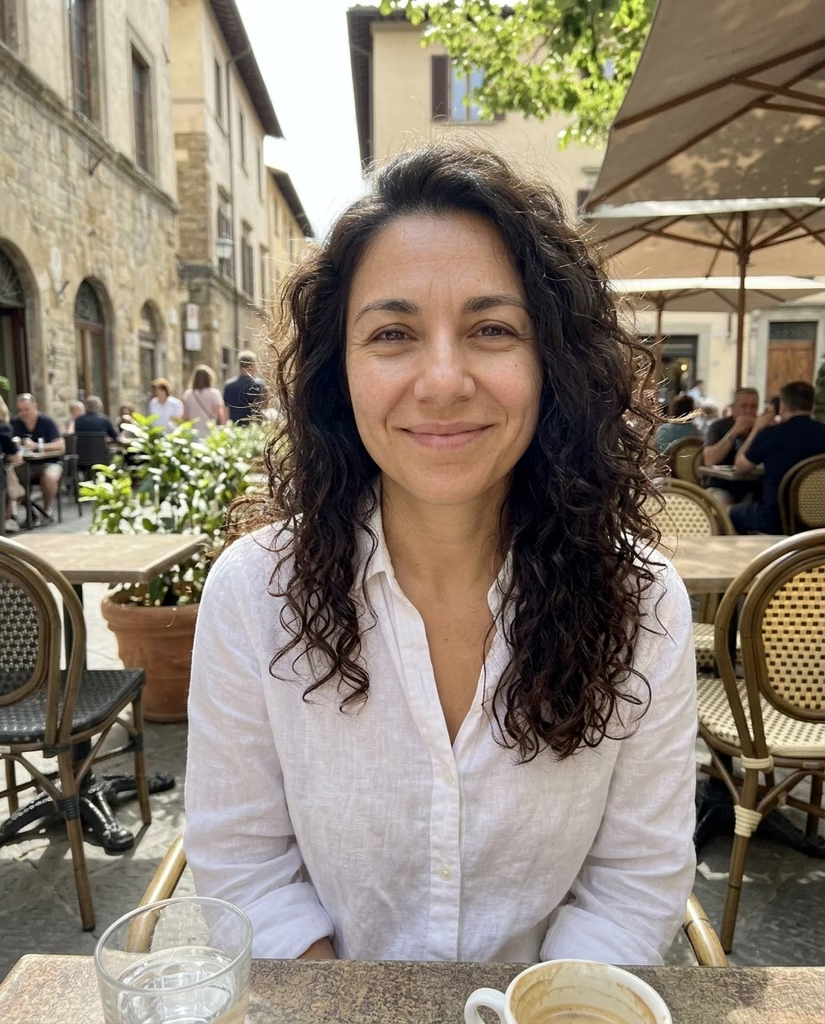


Resizing without cropping
Type a width, a height or both, or a percentage. Each photo is scaled to fit inside that size and keeps its own shape, so nothing is cut off and no one looks stretched.
Sizing for a platform? Each one has its own page with the sizes filled in.
Questions
Are my photos uploaded?
No. Your browser resizes them on this device. They aren't sent to Luala or anywhere else.
Is my photo cropped?
No. It's scaled to fit inside the size you set and keeps its shape. A photo of another shape won't come out at exactly that width and height.
What if I type only a width?
The height follows, so the photo keeps its shape. It works the same the other way round.
Can I make a photo bigger?
No. Enlarging adds pixels but no detail, so a photo already smaller than your size is kept at the size it is.
How many photos can I resize at once?
As many as you choose. They're resized one after another, and once two are done you can download them all as one zip.