Free tool
Resize photos for Instagram
Fit your photos to Instagram: 1080 × 1350 portrait, 1080 × 1080 square, 1080 × 1920 story. Nothing cropped, nothing uploaded. Free.
Nothing is uploaded. Your photos are resized on this device and never leave it.
No location in your JPGs. Where and when a photo was taken is left out.
On photos made in Luala
Upscale takes it to 4K
Resizing never makes a photo bigger: enlarging adds pixels but no detail. Upscale takes a photo Luala made to 2K or 4K and draws the detail in.
It works on photos you make in Luala, not on the photos you resize here.
Try it on a photo of you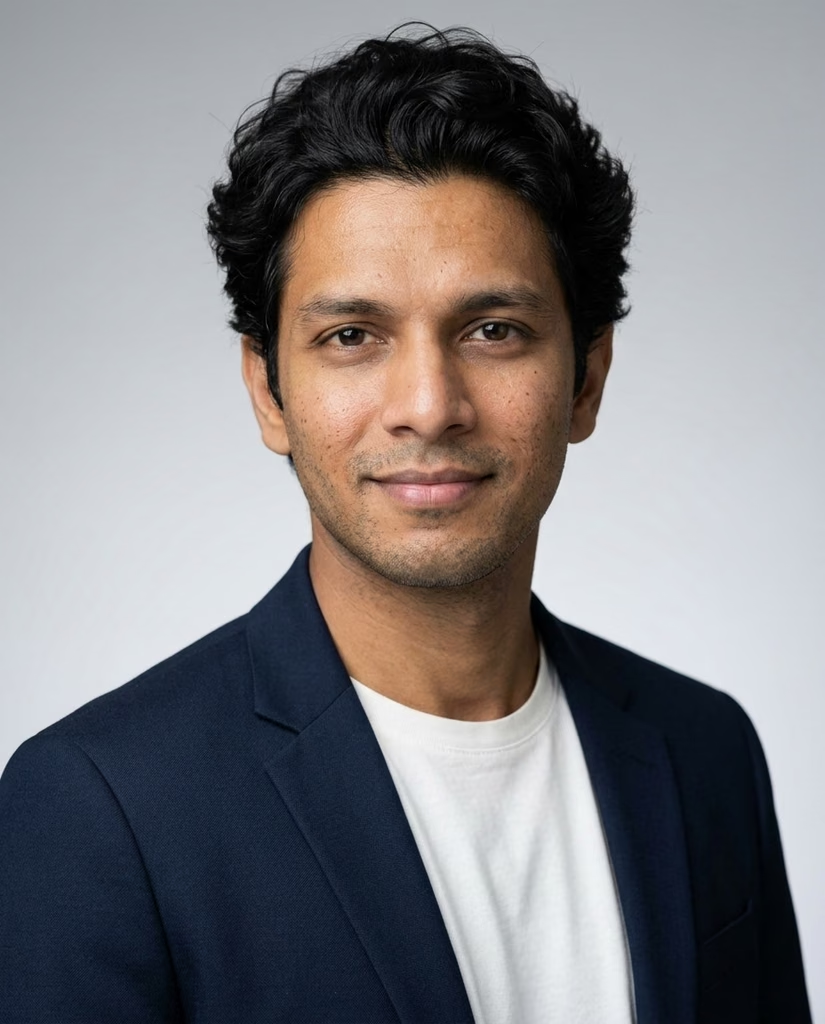
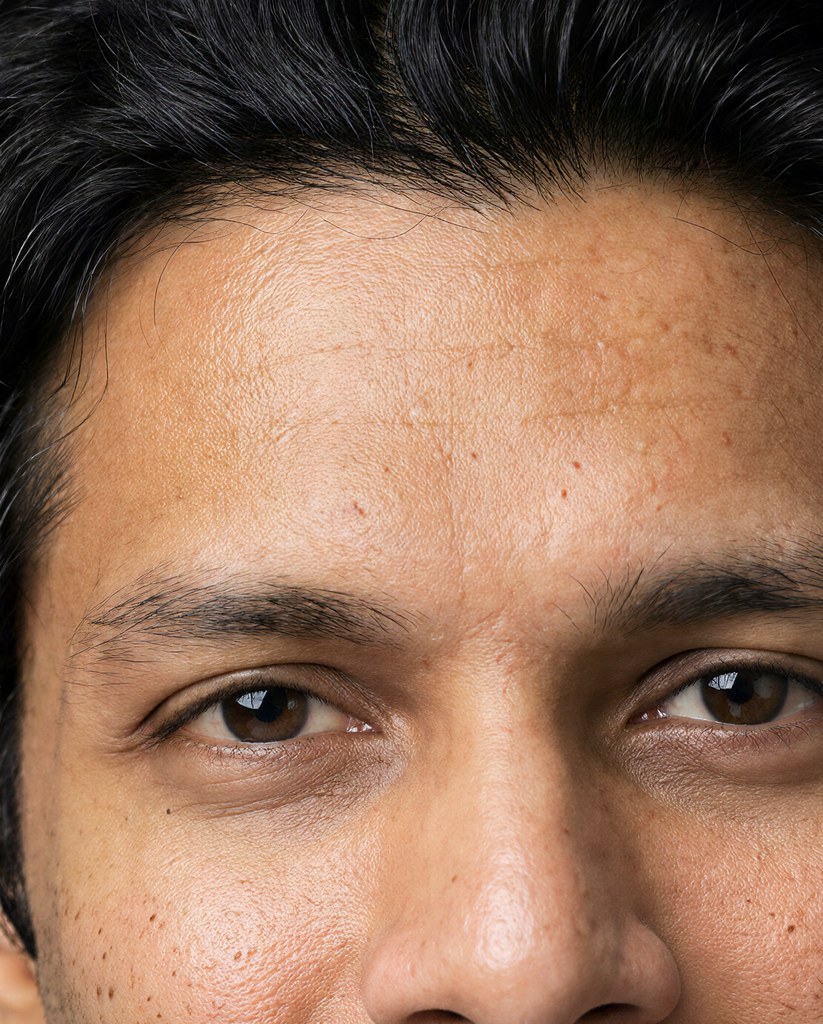
made from a few selfies
Photos for your feed
Add a few selfies. Luala makes sets of you on a rooftop at night, in Santorini, on a city street and in quiet-luxury style, one carousel per shoot.
See AI Instagram photos


The photo sizes Instagram uses
Instagram shows feed photos 1080 pixels wide. A portrait post is 1080 × 1350, a 4:5 shape that takes the most room in the feed. A square post is 1080 × 1080, and a story fills 1080 × 1920.
Pick a format and each photo is scaled to fit inside it, keeping its own shape. A photo of another shape keeps it, so Instagram may still offer to crop it when you post.
Questions
What size is an Instagram portrait post?
1080 × 1350 pixels, a 4:5 shape. A photo taken upright on a phone is 3:4, so it fits inside at 1013 × 1350.
Is my photo cropped?
No. It's fitted inside the format and keeps its shape, so nothing you framed is cut off.
What about stories?
Pick Story and each photo fits inside 1080 × 1920. An upright phone photo comes out 1080 × 1440, and Instagram shows it with space above and below.
Are my photos uploaded?
No. Your browser resizes them on this device. They aren't sent to Luala or anywhere else.