Free tool
Resize photos to fit a square
Fit your photos inside 1080 × 1080, the size of a square post. Each keeps its own shape; nothing is cropped or uploaded. Free, no sign-up.
Nothing is uploaded. Your photos are resized on this device and never leave it.
No location in your JPGs. Where and when a photo was taken is left out.
On photos made in Luala
Upscale takes it to 4K
Resizing never makes a photo bigger: enlarging adds pixels but no detail. Upscale takes a photo Luala made to 2K or 4K and draws the detail in.
It works on photos you make in Luala, not on the photos you resize here.
Try it on a photo of you
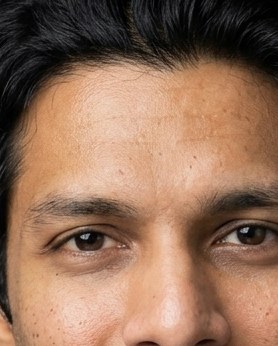
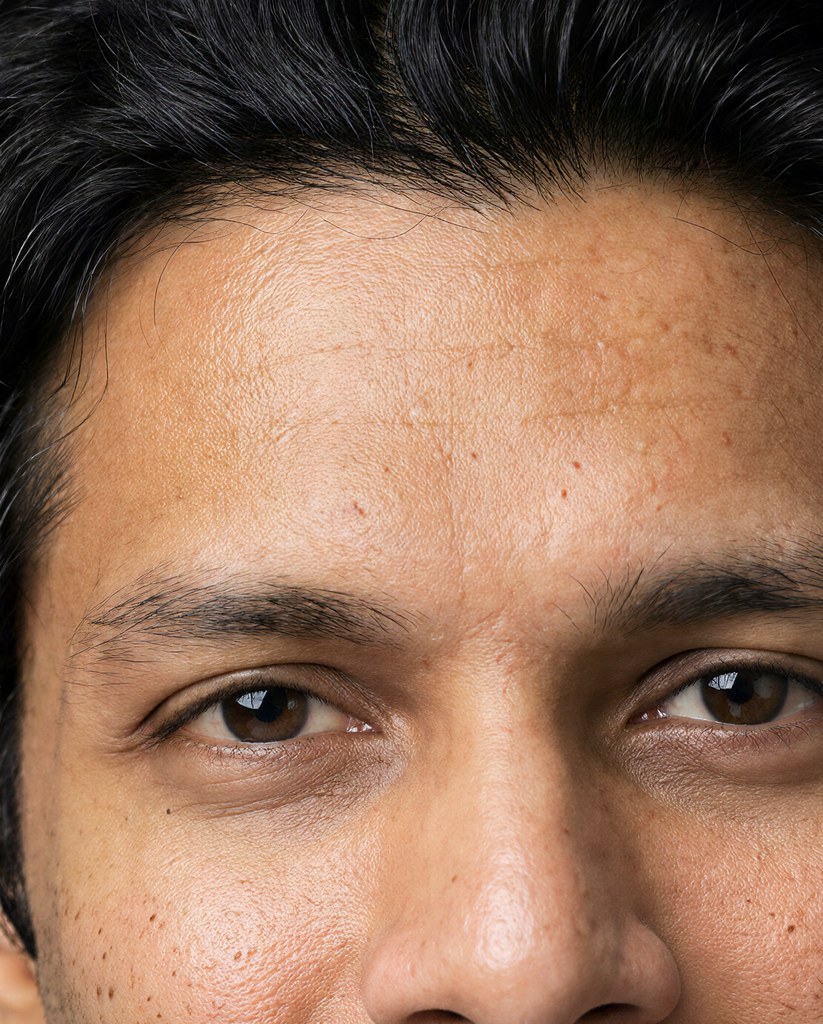
made from a few selfies
Want photos like these?
Luala makes a photo shoot of you from a few selfies: a café, a city walk, golden light. Your first 8 photos are free.
Start your shoot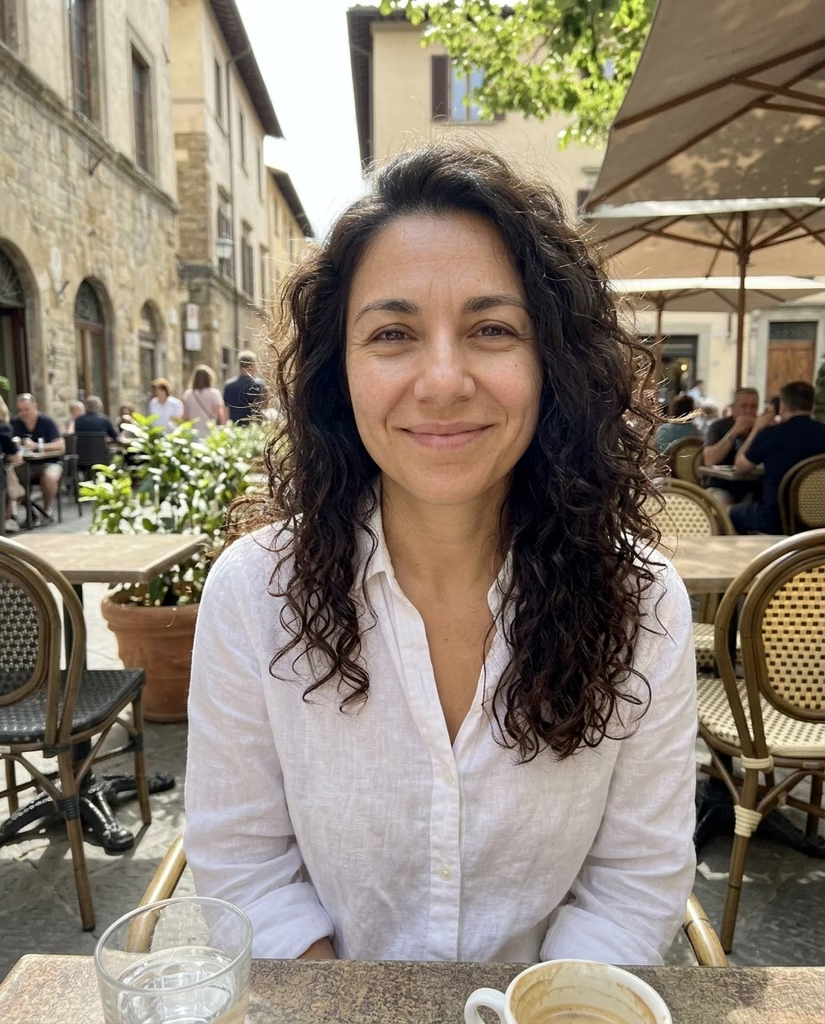


Fitting a photo to a square
Square posts and profile pictures are 1080 × 1080 pixels on most apps. Each photo is scaled so its longer side is 1080 pixels, and keeps its own shape.
A photo that isn't square stays the shape it is, so nothing you framed is cut off. The app you post it to decides how to show it in a square.
Questions
Is my photo made square?
Only a square photo comes out square. Any other photo keeps its shape, fitted inside 1080 × 1080, so nothing is cut off.
Can I make a photo bigger?
No. Enlarging adds pixels but no detail, so a photo already smaller than 1080 × 1080 is kept at the size it is.
Are my photos uploaded?
No. Your browser resizes them on this device. They aren't sent to Luala or anywhere else.