Free tool
Crop photos for Instagram
Frame each photo as a 1080 × 1350 portrait, a 1080 × 1080 square or a 1080 × 1920 story. Nothing uploaded, no location kept. Free.
Arrow keys move it, + and − zoom.
Nothing is uploaded. Your photos are cropped on this device and never leave it.
No location in your JPGs. Where and when a photo was taken is left out.
On photos made in Luala
Zoom in crops close, at full size
A tight crop keeps only the pixels inside the frame, so it comes out small. Zoom in cuts the frame from a photo Luala made and rebuilds it at full size.
It works on photos you make in Luala, not on the photos you crop here.
Try it on a photo of you
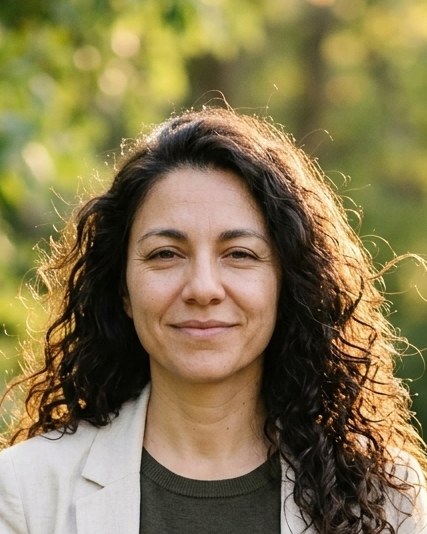
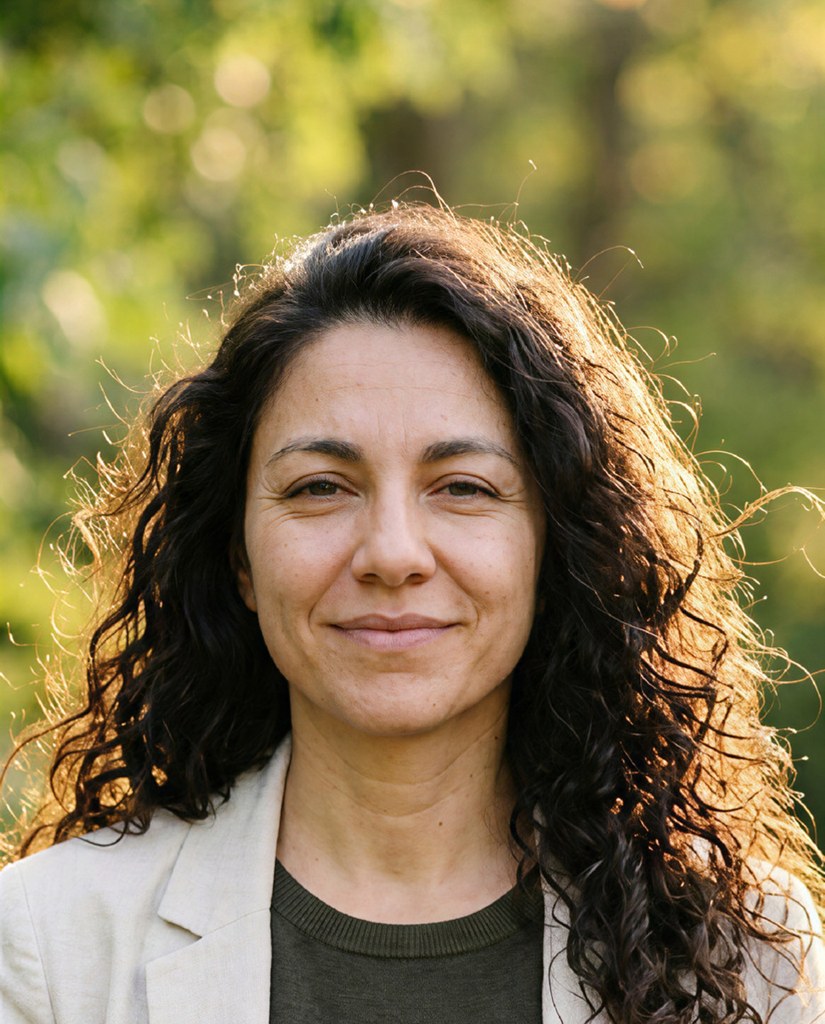
made from a few selfies
Photos for your feed
Add a few selfies. Luala makes sets of you on a rooftop at night, in Santorini, on a city street and in quiet-luxury style, one carousel per shoot.
See AI Instagram photos


The photo sizes Instagram uses
Instagram shows feed photos 1080 pixels wide. A portrait post is 1080 × 1350, the 4:5 shape that takes the most room in the feed. A square post is 1080 × 1080, and a story fills 1080 × 1920.
Frame each photo in the shape you'll post it in, and Instagram has nothing left to crop. Each photo keeps its own format, so one can be a post and the next a story.
Questions
What size is an Instagram portrait post?
1080 × 1350 pixels, a 4:5 shape. It's taller than a square and shows larger in the feed.
Square or portrait?
A portrait post takes more of the screen. A square suits a grid that's all squares.
What size is a story?
1080 × 1920 pixels, the 9:16 shape of a phone screen.
Can I crop a carousel?
Yes. Drop all its photos, frame each one in the same format, and download them as one zip.
Are my photos uploaded?
No. Your browser crops them on this device. They aren't sent to Luala or anywhere else.