Free tool
Crop photos to a square
Frame each photo as a square and get a 1080 × 1080 JPG for a post or a profile picture. Nothing uploaded, no location kept. Free.
Arrow keys move it, + and − zoom.
Nothing is uploaded. Your photos are cropped on this device and never leave it.
No location in your JPGs. Where and when a photo was taken is left out.
On photos made in Luala
Zoom in crops close, at full size
A tight crop keeps only the pixels inside the frame, so it comes out small. Zoom in cuts the frame from a photo Luala made and rebuilds it at full size.
It works on photos you make in Luala, not on the photos you crop here.
Try it on a photo of you
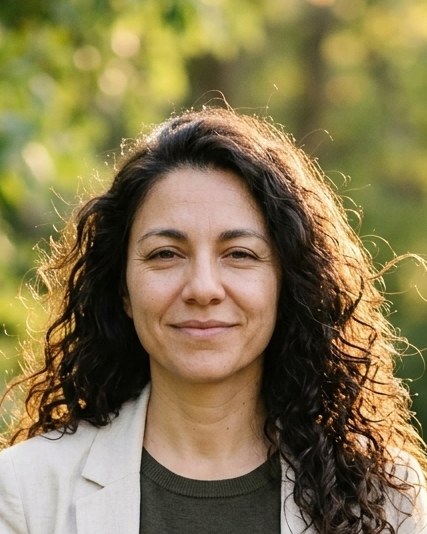
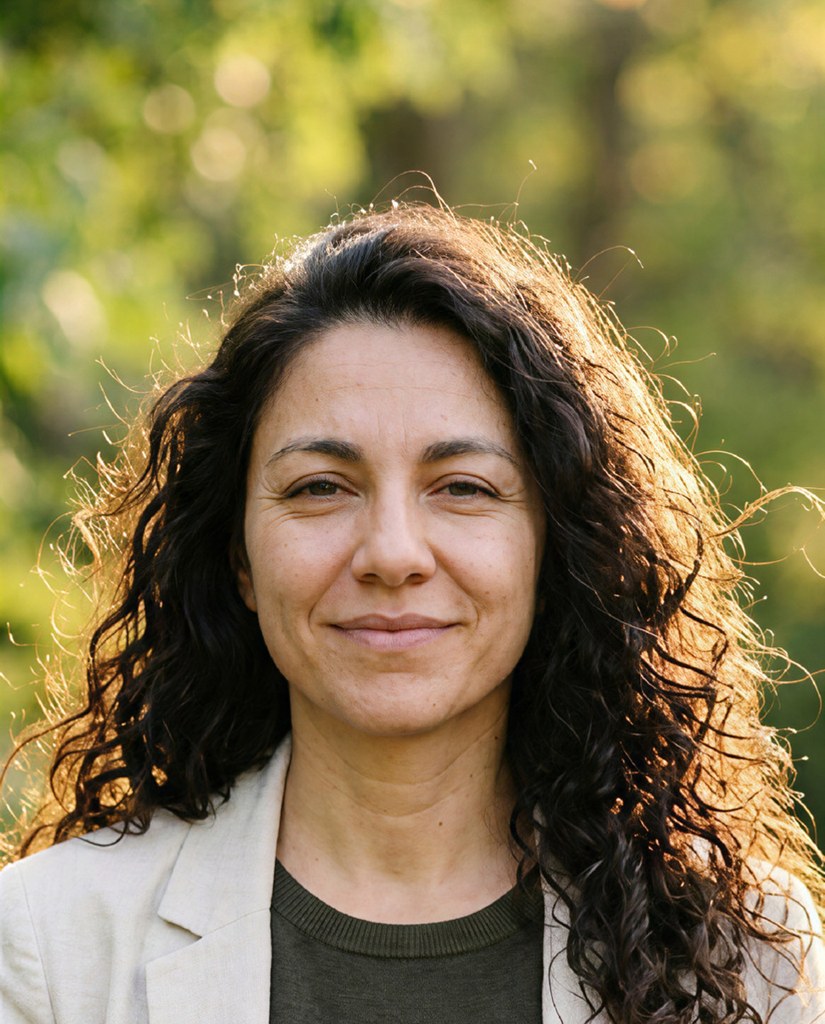
made from a few selfies
Want photos like these?
Luala makes a photo shoot of you from a few selfies: a café, a city walk, golden light. Your first 8 photos are free.
Start your shoot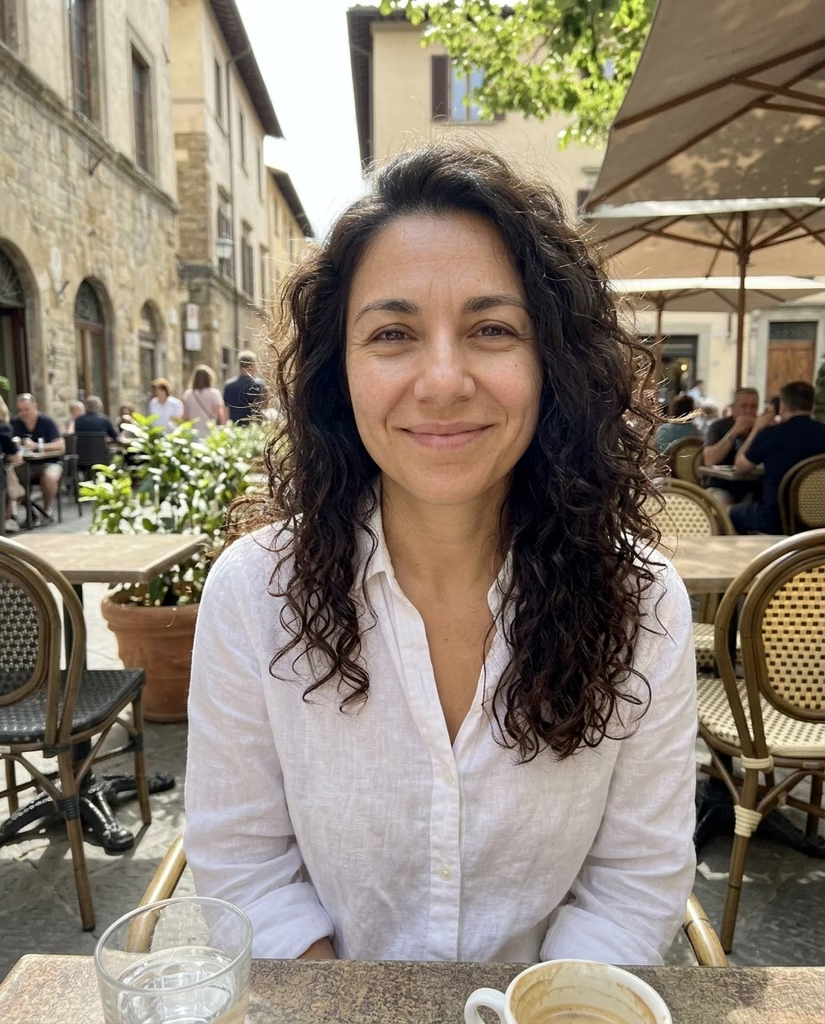


Cropping a photo to a square
Square posts and profile pictures are 1080 × 1080 pixels on most apps. Place each photo under the square frame, zoom in to what you want, and crop.
The app you post it to then has nothing left to crop. A frame that holds fewer than 1080 pixels across is kept at that size, still square.
Questions
What size is a square post?
1080 × 1080 pixels on Instagram, Facebook and most other apps.
Can I make a photo bigger?
No. Enlarging adds pixels but no detail, so a frame holding fewer than 1080 × 1080 pixels is saved at the size it holds.
Can I crop several photos?
Yes. Drop as many as you like and they line up under the frame. Tap one to frame it, in any order, and once two are cropped you can download them all as one zip.
Are my photos uploaded?
No. Your browser crops them on this device. They aren't sent to Luala or anywhere else.