AI edits for the photos you already have.
Upload a photo or pick one Luala made. Take it to 4K, put yourself somewhere else, repair an old print, or try on clothes from another photo.
- Price shown before anything runs
- Your photo stays yours, deleted when you say
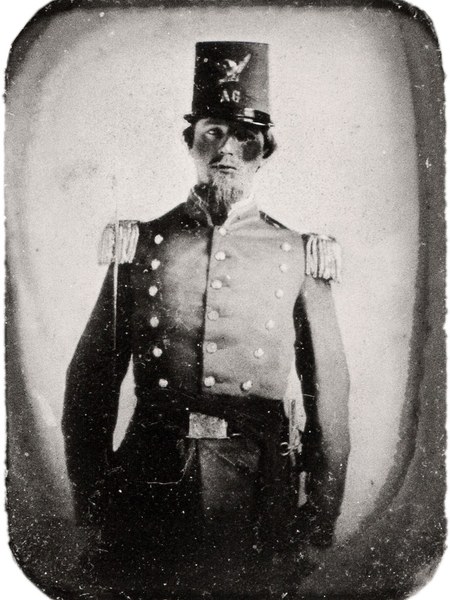
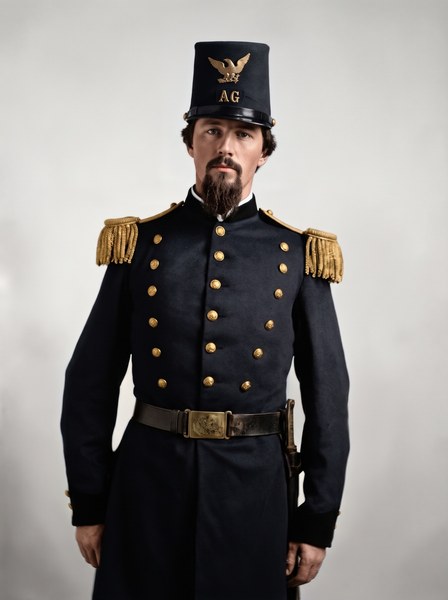
Change you
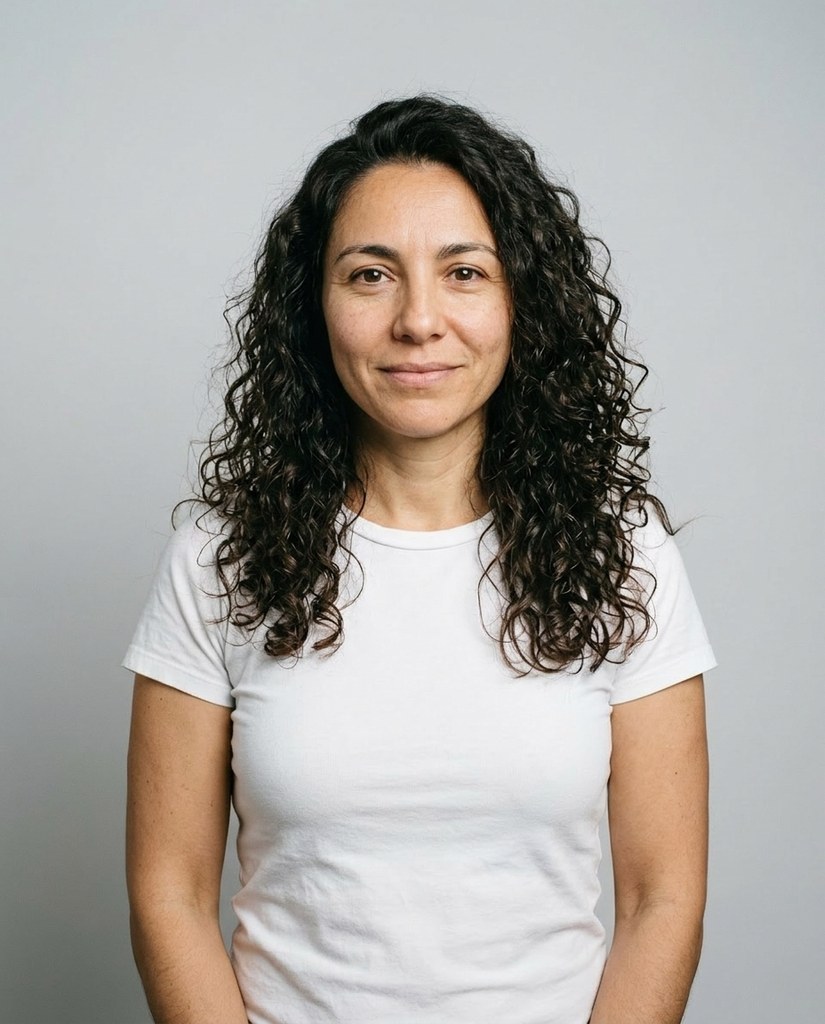
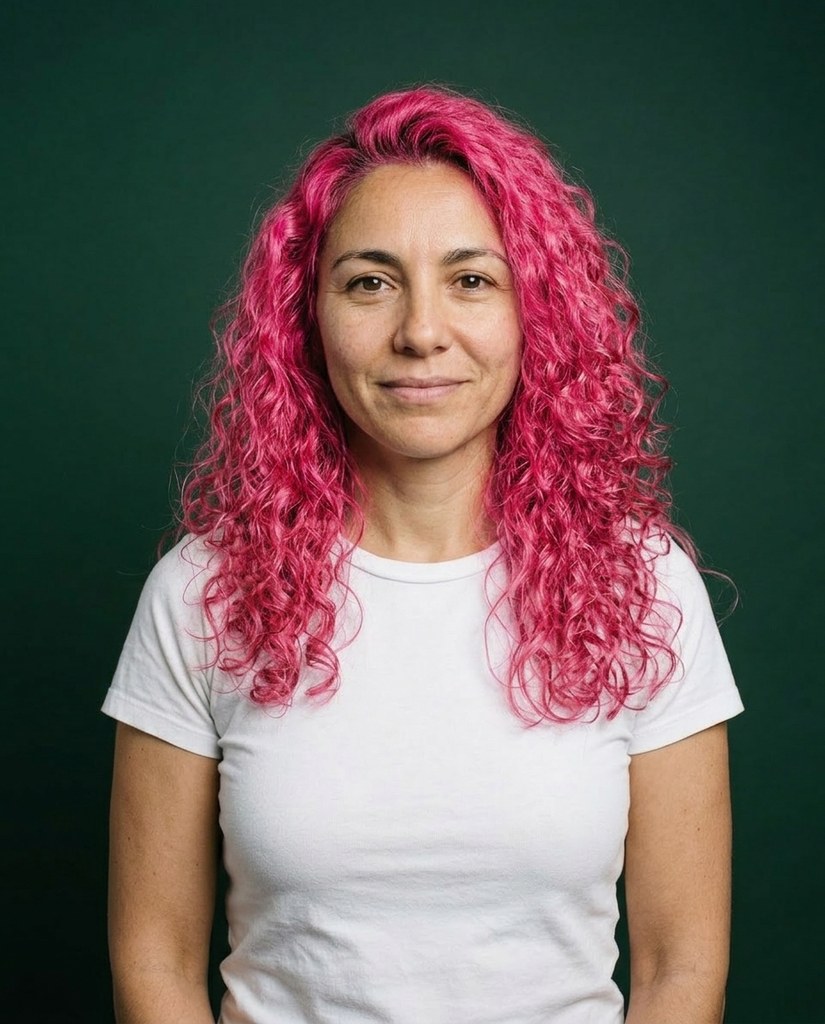
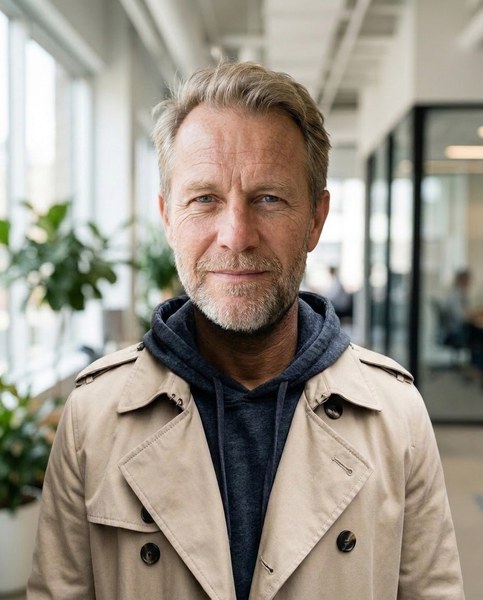
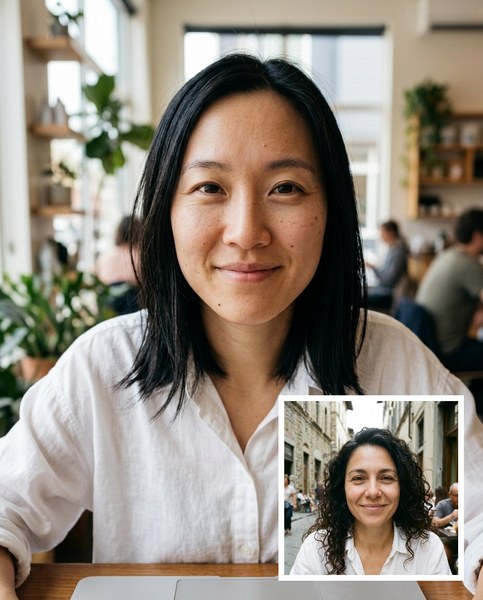
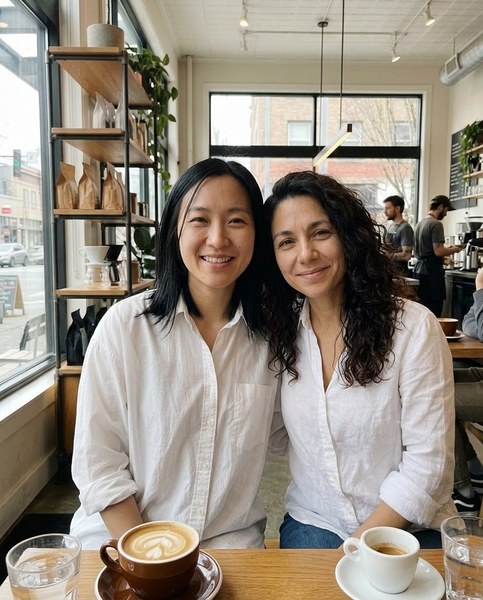
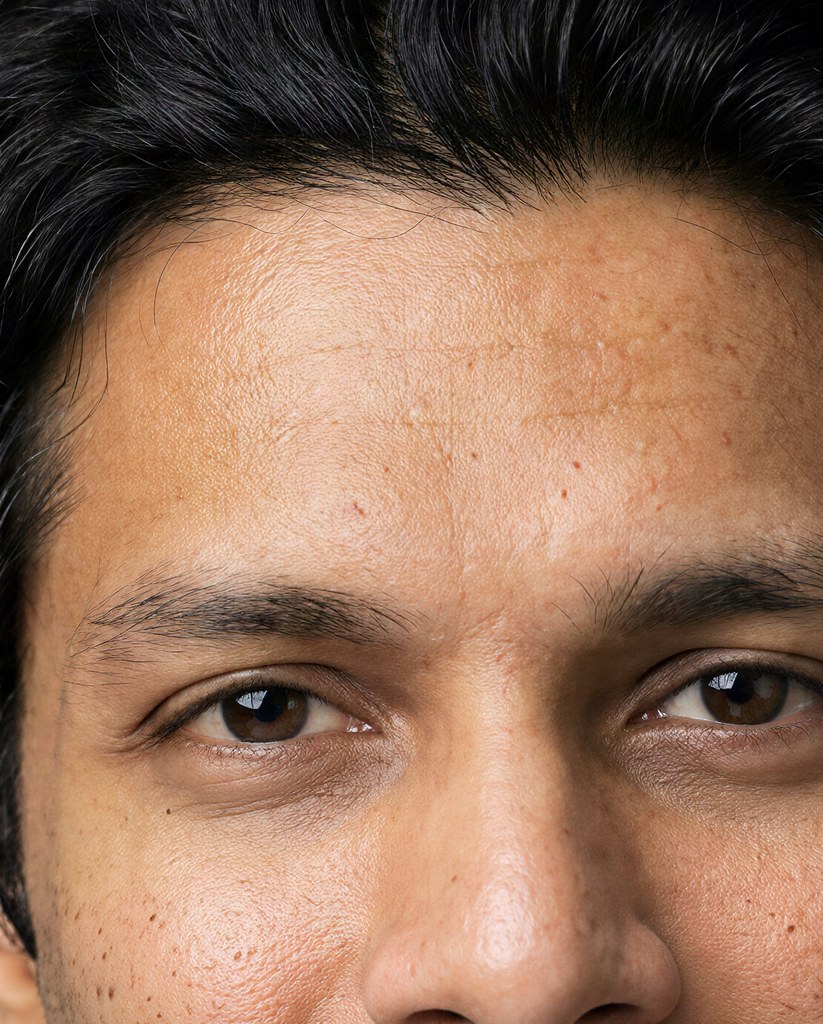
A new look, clothes from another photo, or someone or something added.
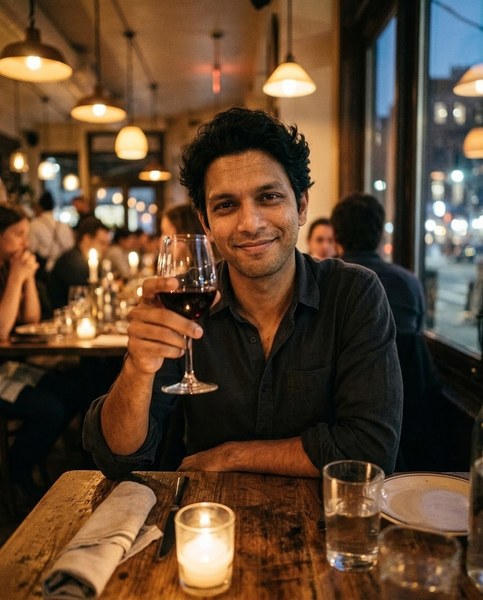
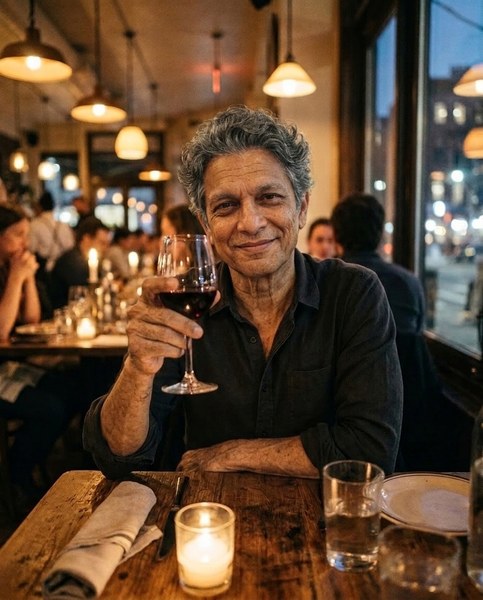
Fix a photo
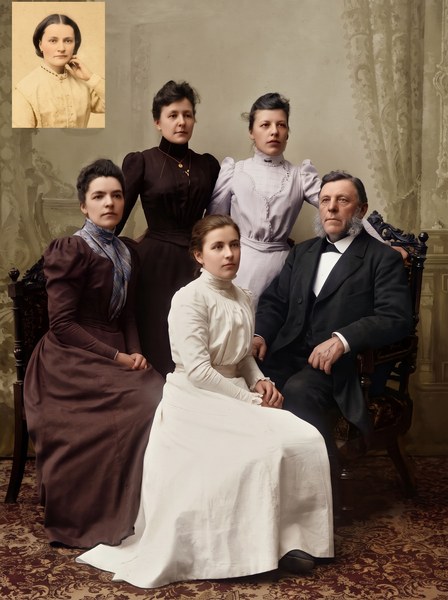
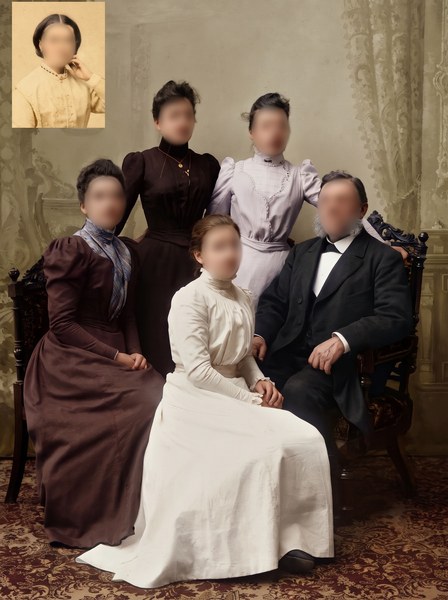
Bigger, closer, an old print repaired, the light redone, something taken out, faces hidden.
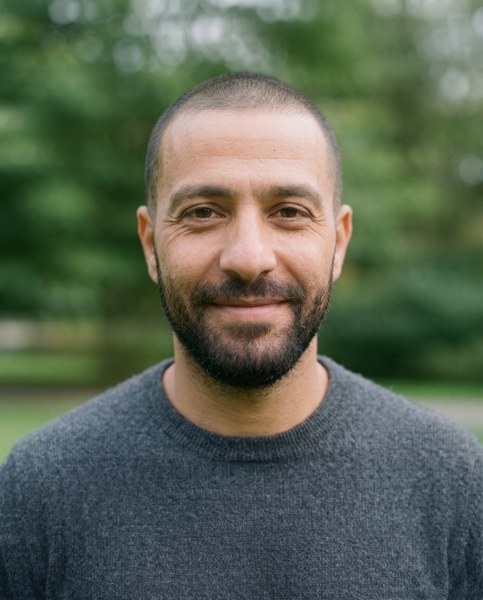
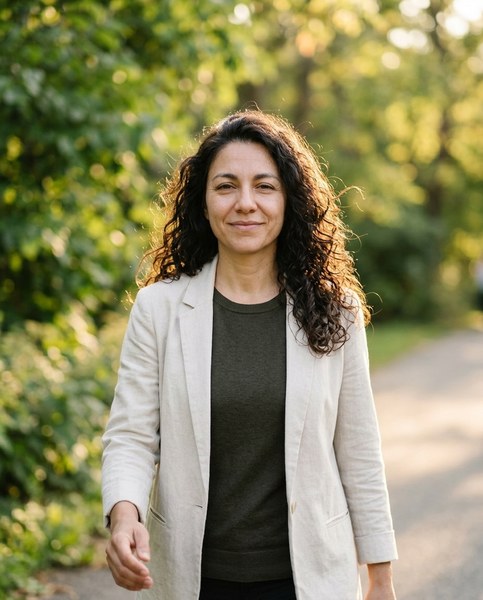
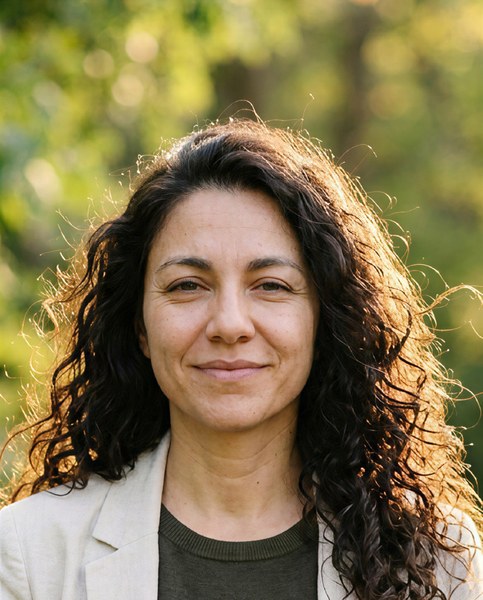

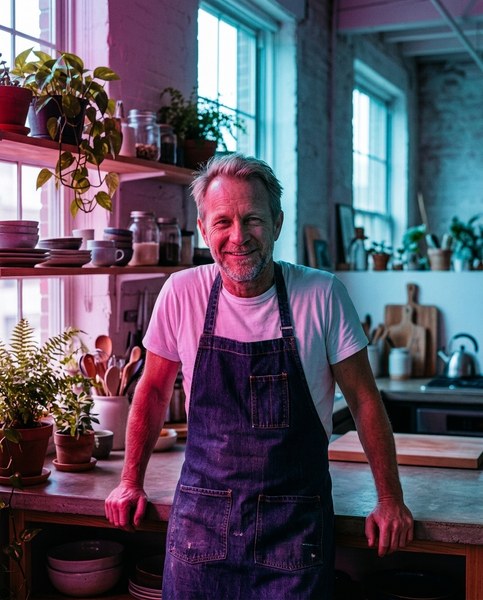
Change where you are
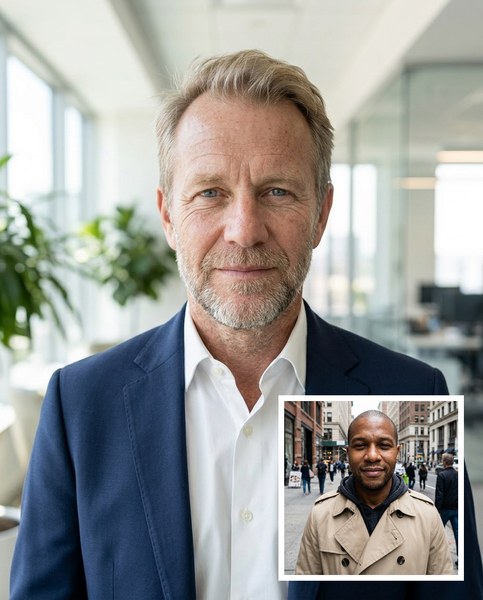
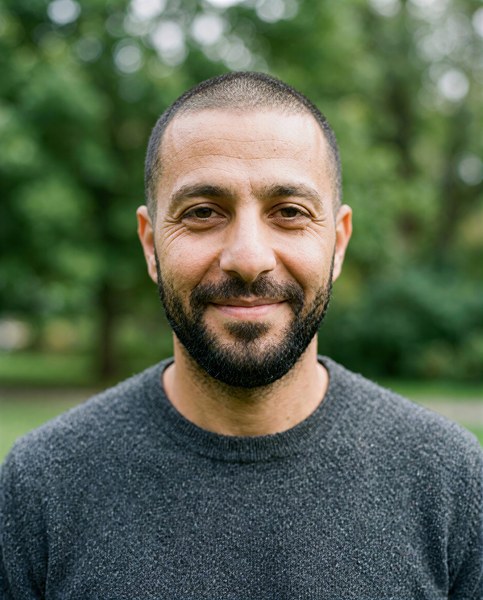
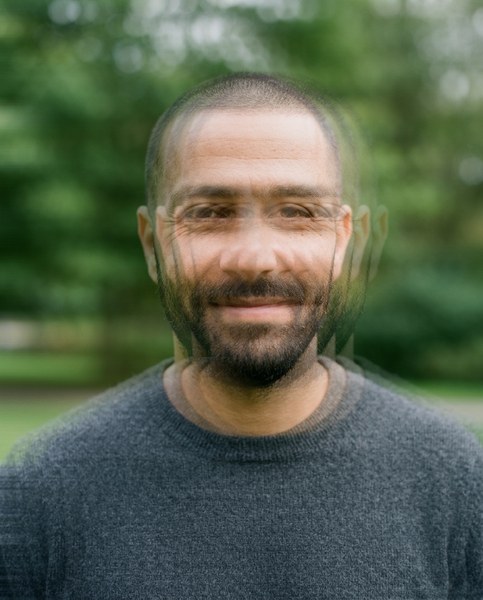
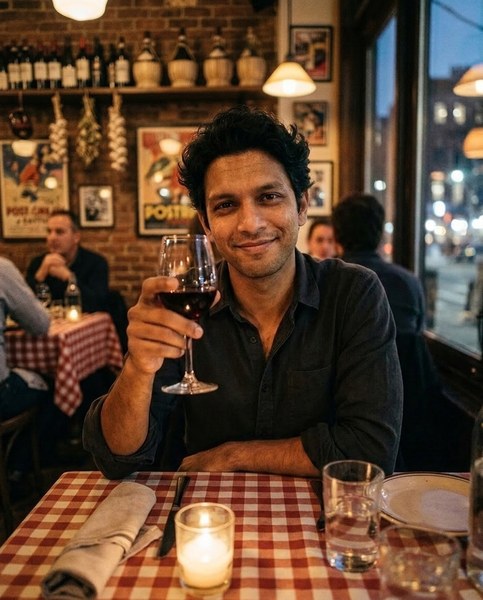
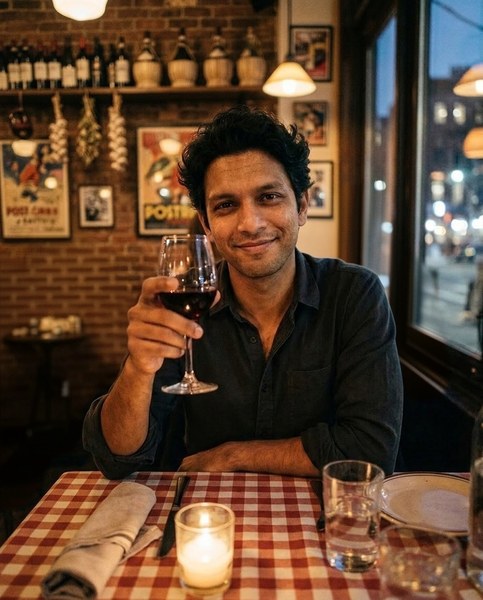
Cut yourself out, blur what's behind you, move somewhere else, or show more of the place.
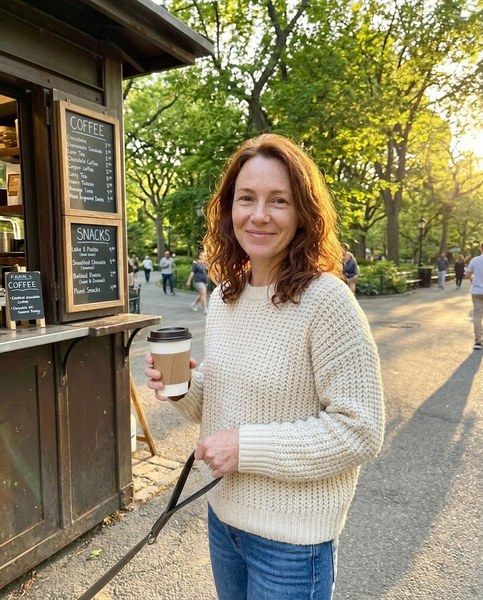
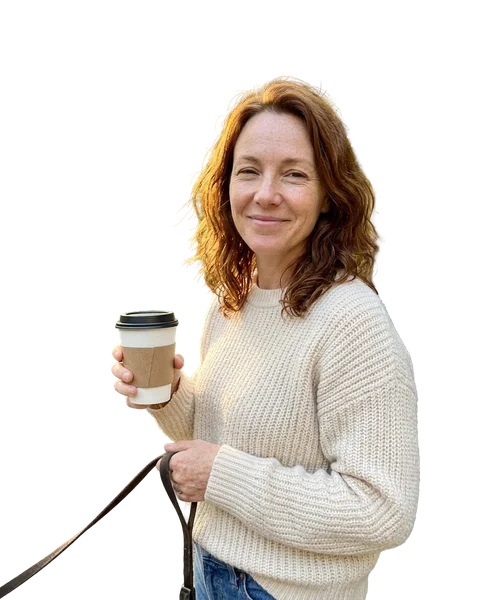
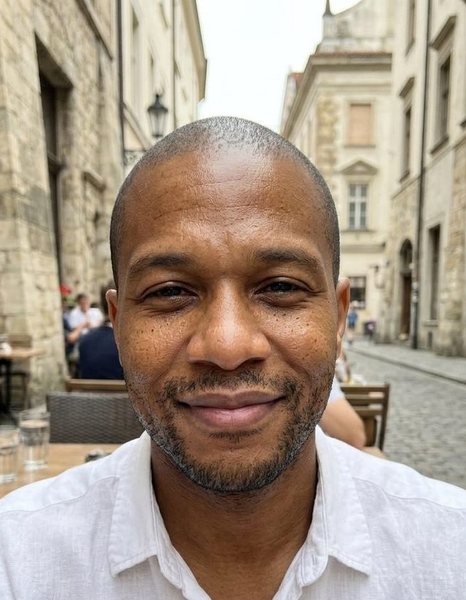
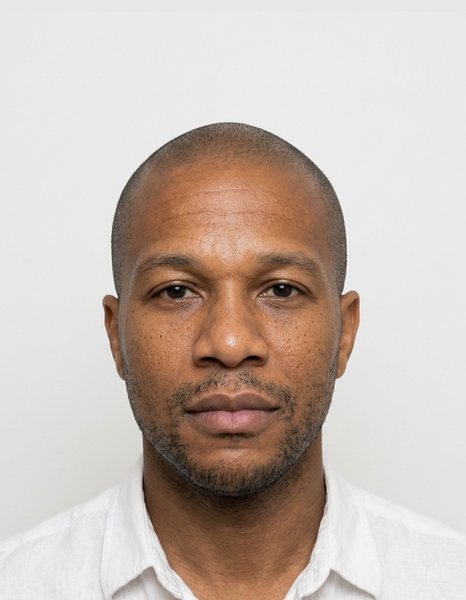
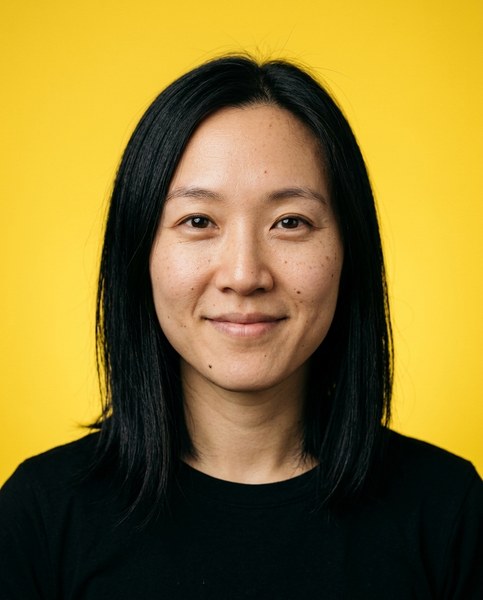
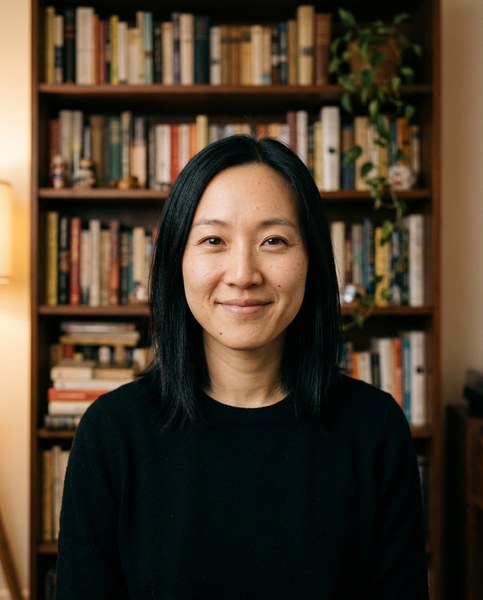
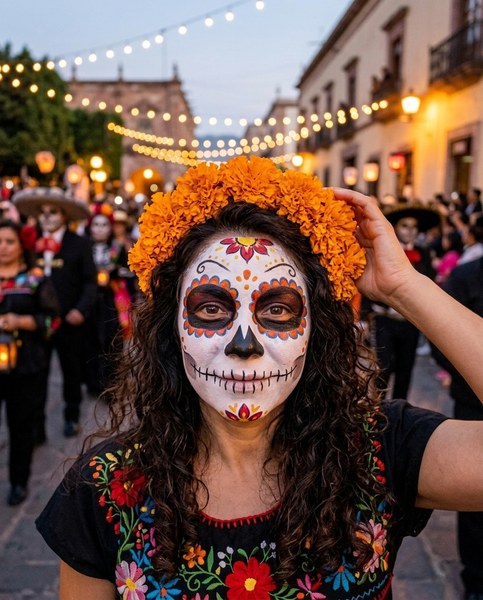
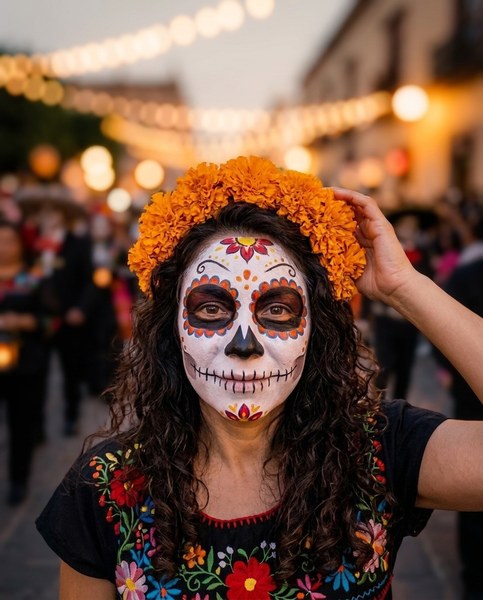
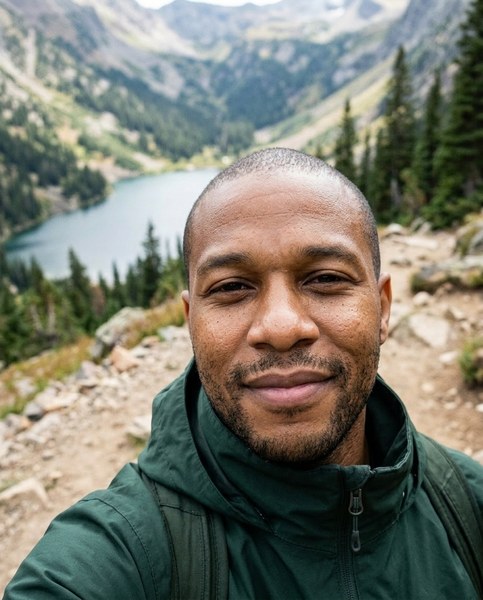
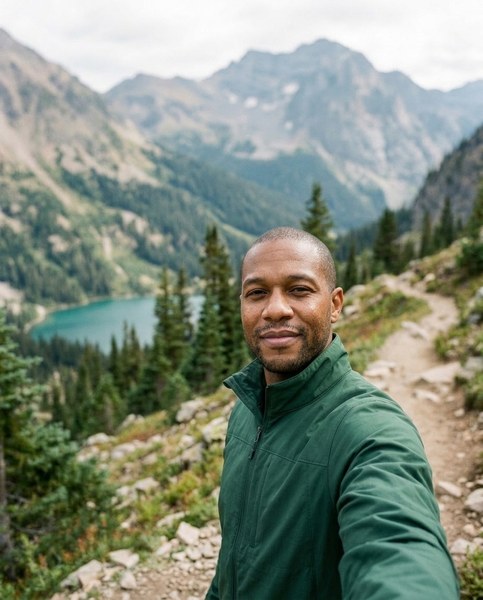
made from a few selfies
Want photos like these?
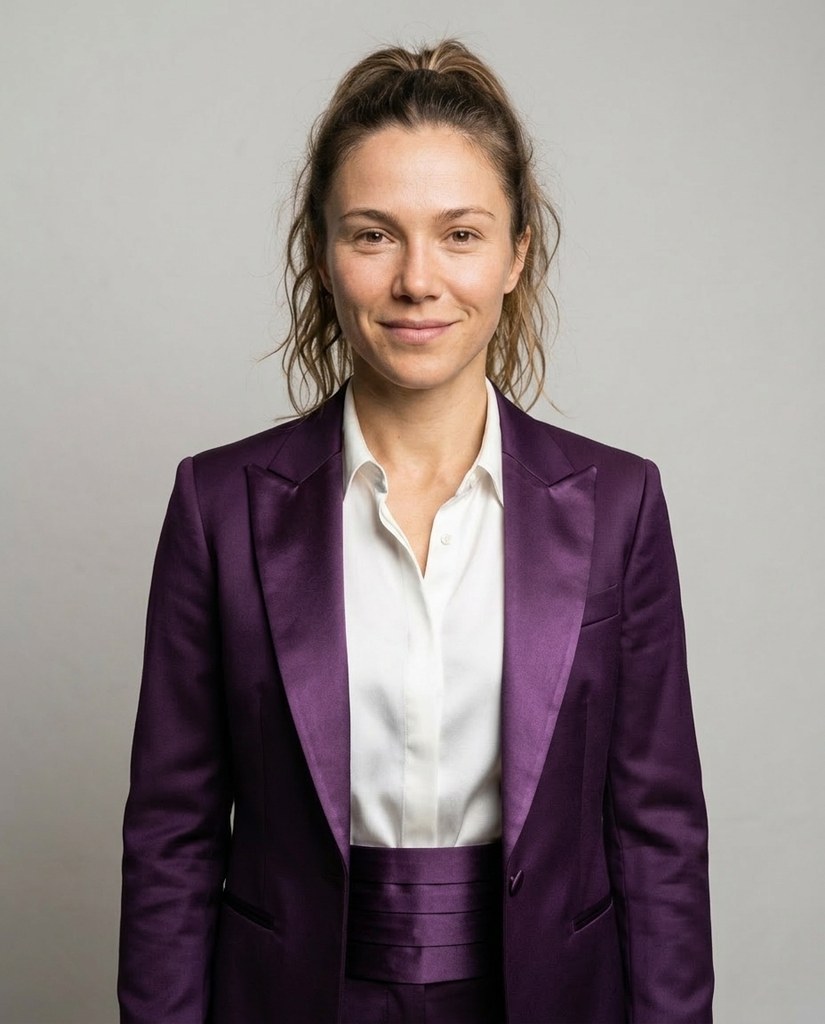
Luala makes a photo shoot of you from a few selfies: a café, a city walk, golden light. Your first 8 photos are free.
Start your shoot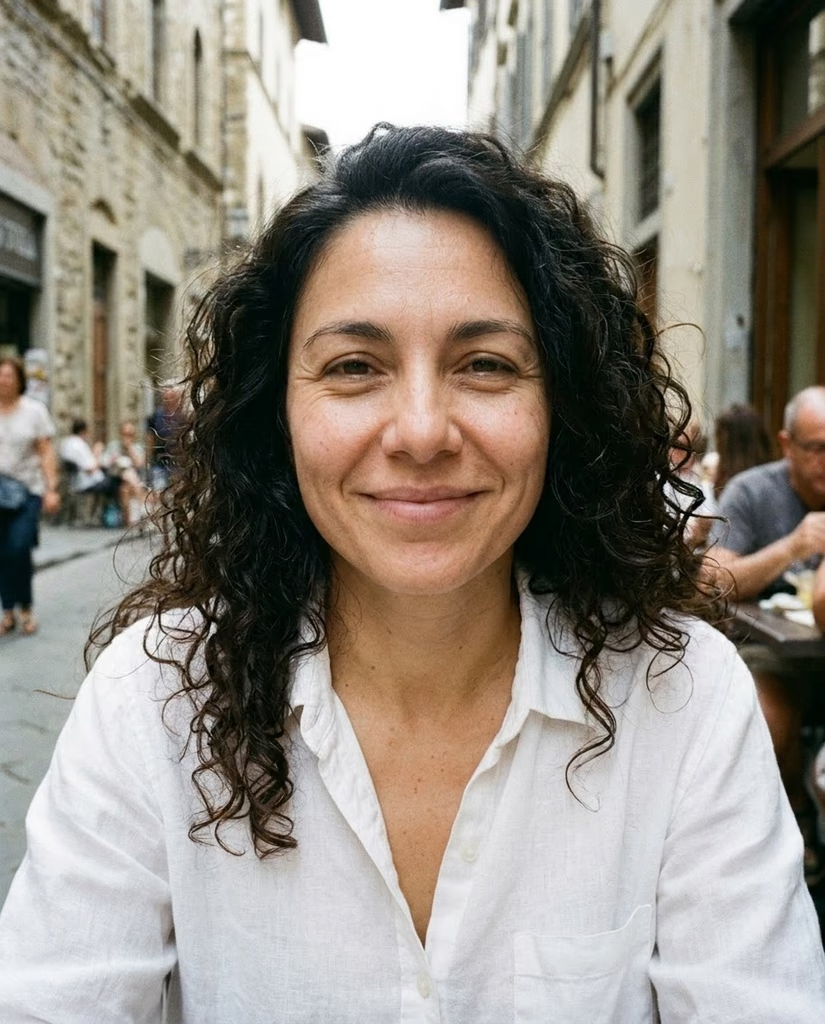


Questions
Is my photo uploaded?
Yes. An AI edit runs on Luala's servers, so the photo goes into your account and stays there until you delete it. To resize, crop or convert a photo without it leaving your device, use the free tools.
What does an edit cost?
Your first 8 photos are free, one from each of 8 popular packs. Every other photo, and every edit or change, is paid in credits. The button says how many credits before anything runs. See plans and packs
Which photos can I edit?
Any photo you add to My photos, or one Luala made of you. On a photo Luala made, some edits, such as a new look or a new place, also use your selfies, so you still look like you.