Free tool
Crop photos for LinkedIn
Frame your LinkedIn profile photo in its circle, or the 1584 × 396 background. Saved at LinkedIn's sizes, nothing uploaded. Free.
Arrow keys move it, + and − zoom.
Nothing is uploaded. Your photos are cropped on this device and never leave it.
No location in your JPGs. Where and when a photo was taken is left out.
On photos made in Luala
Zoom in crops close, at full size
A tight crop keeps only the pixels inside the frame, so it comes out small. Zoom in cuts the frame from a photo Luala made and rebuilds it at full size.
It works on photos you make in Luala, not on the photos you crop here.
Try it on a photo of you
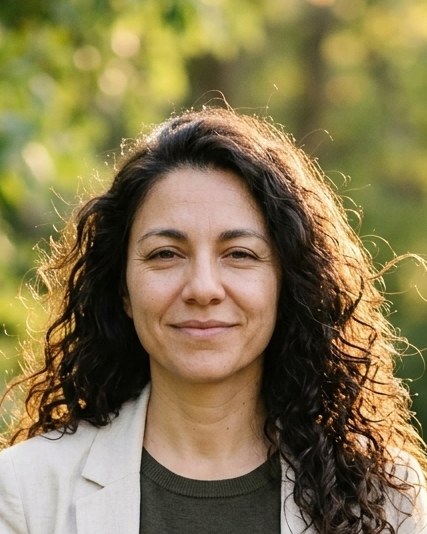
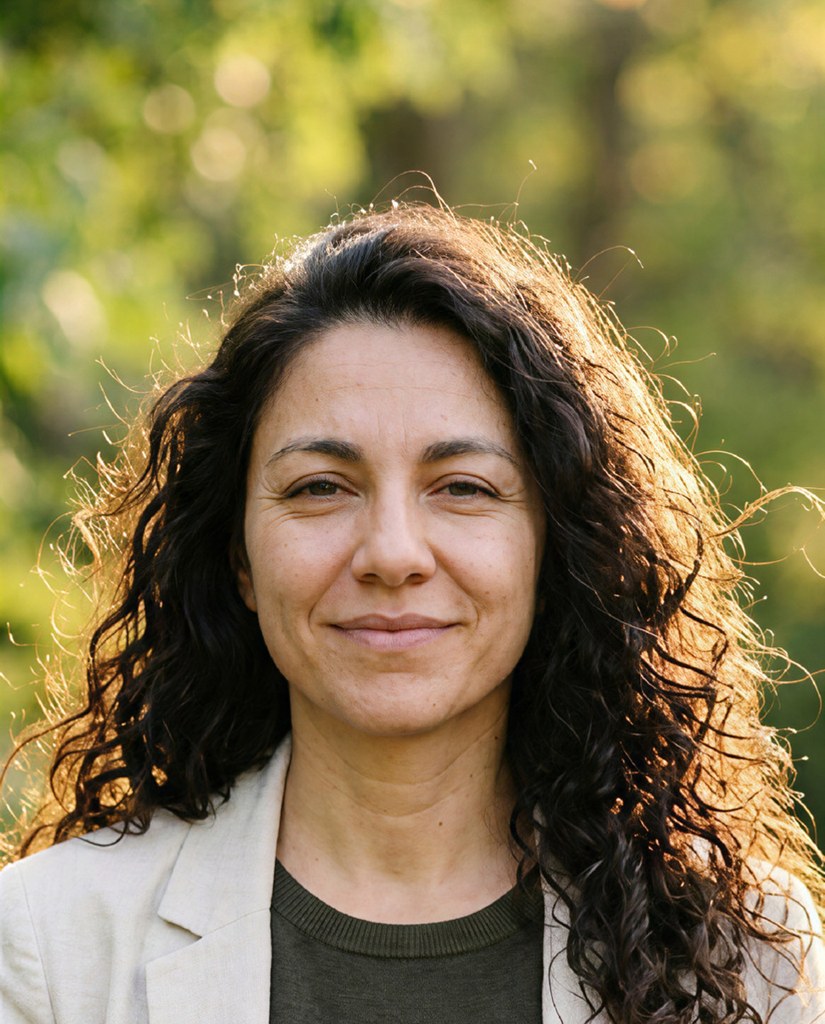
made from a few selfies
Professional headshots
Add a few selfies. Luala makes headshots of you in a studio, outdoors, against an office and on a coloured backdrop, for your CV or LinkedIn.
See AI headshots


The photo sizes LinkedIn uses
LinkedIn shows the profile photo in a circle, cut from a 400 × 400 square. The circle on the frame is the part that shows, so you can put your face in the middle of it.
The background photo is 1584 × 396, four times wider than it is tall. Slide the photo under the frame to pick the strip that shows.
Questions
What size is a LinkedIn profile photo?
400 × 400 pixels. LinkedIn shows it as a circle, so the corners of the square don't show.
Why is there a circle on the frame?
It's the part LinkedIn shows. The file is still a square, as LinkedIn asks for.
What size is the background photo?
1584 × 396 pixels. On a computer, your profile photo covers part of its lower left corner.
What if my photo is smaller than that?
It's kept at the size the frame holds, in the right shape. A photo is never made bigger: enlarging adds pixels but no detail.
Are my photos uploaded?
No. Your browser crops them on this device. They aren't sent to Luala or anywhere else.