Free tool
Colourise photo
Colourise an old black-and-white or sepia photo with a free colorizer that runs in your browser. Faces and detail stay as they were. Nothing uploaded.
Try Chrome, Safari or Firefox on a computer. Or use Restore in Luala Studio
Nothing is uploaded. Your photos are colourised on this device and never leave it.
No location in your JPGs. Where and when a photo was taken is left out.
In Luala Studio, with AI
To repair the print as well, use Restore in Luala Studio
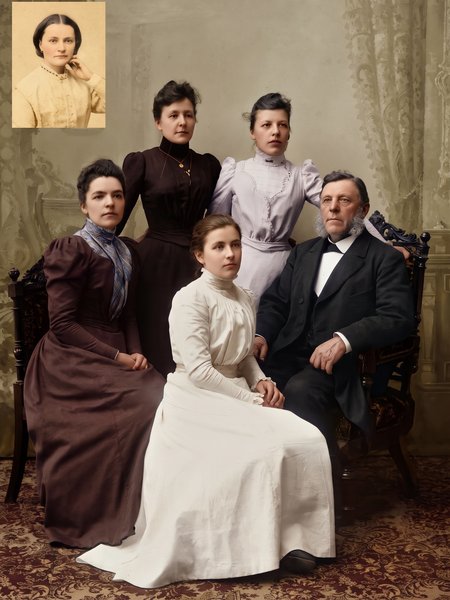
This free tool adds colour with a small model in your browser and leaves the print as it was, scratches and all. Restore in Luala Studio repairs the scratches, tears and fading with AI and colourises the print as it does.
It runs in Luala Studio, on a photo you add to your account, not on the photos you colourise with this free tool.
Try Restore All AI edits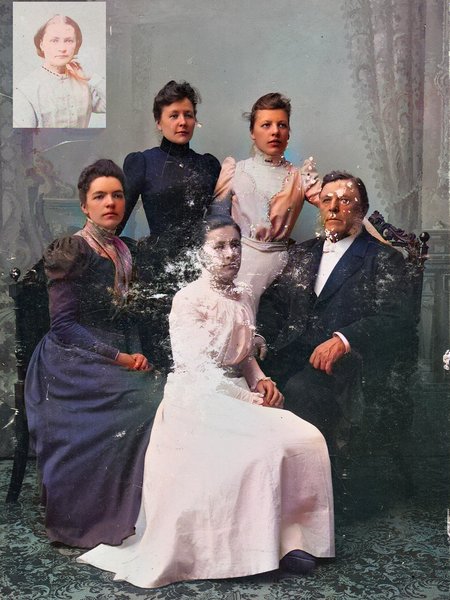
made from a few selfies
Want photos like these?
Luala makes a photo shoot of you from a few selfies: a café, a city walk, golden light. Your first 8 photos are free.
Start your shoot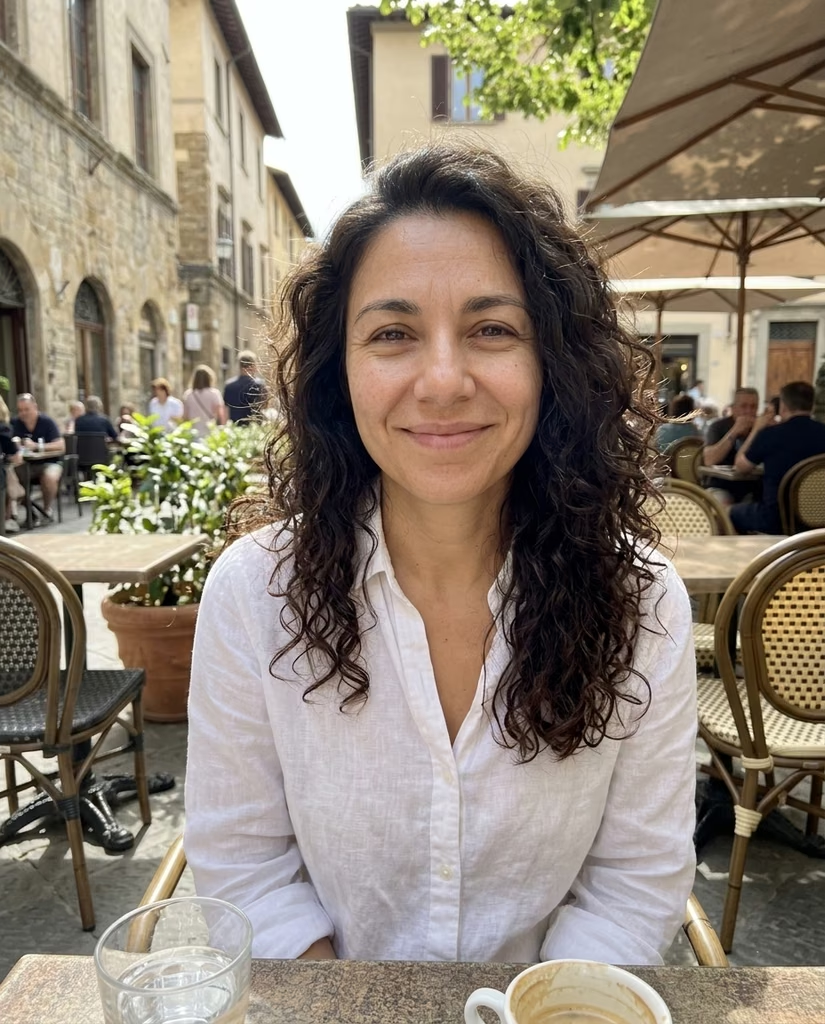


Adding colour to an old photo
Drop an old black-and-white or sepia photo and get it back in colour. Only the colour is new: every face and detail keeps the light and shade it had. If the colour is too strong, a slider tones it down.
The colouring is done by a model that runs in your browser. The first time, your browser downloads it, about 79 MB, and keeps it for next time. Your photo stays on this device.
Questions
Are my photos uploaded?
No. The model comes to your browser and colours the photo on this device. Your photos aren't sent to Luala or anywhere else.
Are these the real colours?
They're the model's guess from what such things usually look like. Skin, sky, grass and wood come out close; a dress, a car or a painted wall may come out a different colour than it was.
Does it change faces?
No. Only colour is added. The photo's light and shade, and so every face and detail, stay exactly as they were.
Which photos does it work on?
Black-and-white, sepia and faded prints, scanned or photographed. On a print with heavy scratches or stains the model often leaves parts grey, and the scratches stay. Restore in Luala Studio repairs them as it colourises.
Why does the first photo take longer?
Your browser downloads the model first, about 79 MB, once. After that, each photo takes about half a minute on a computer, longer on a phone.
How many photos can I do at once?
As many as you choose. The first opens above the list; once it is colourised, open the next from its row. Once two are done you can download them all as one zip.
HEIC decoding: libheif (LGPL-3.0)
Model: DeOldify (MIT), ONNX Runtime (MIT)