Free tool
Enhance photo
Make a soft or small photo sharper and 2× or 4× larger. In your browser, nothing uploaded, no watermark. Free, no sign-up.
Try Chrome, Safari or Firefox on a computer. Or use Upscale in Luala Studio
Nothing is uploaded. Your photos are enhanced on this device and never leave it.
No location in your photos. Where and when a photo was taken is left out.
In Luala Studio, with AI
For a print, upscale in Luala Studio
This free tool runs a small model in your browser. It sharpens the eyes, brows and hairline, and smooths the skin flat. Upscale in Luala Studio takes a photo to 2K or 4K with AI and draws the pores, the freckles and single hairs back in.
It runs in Luala Studio, on a photo you add to your account, not on the photos you enhance with this free tool.
Try Upscale All AI edits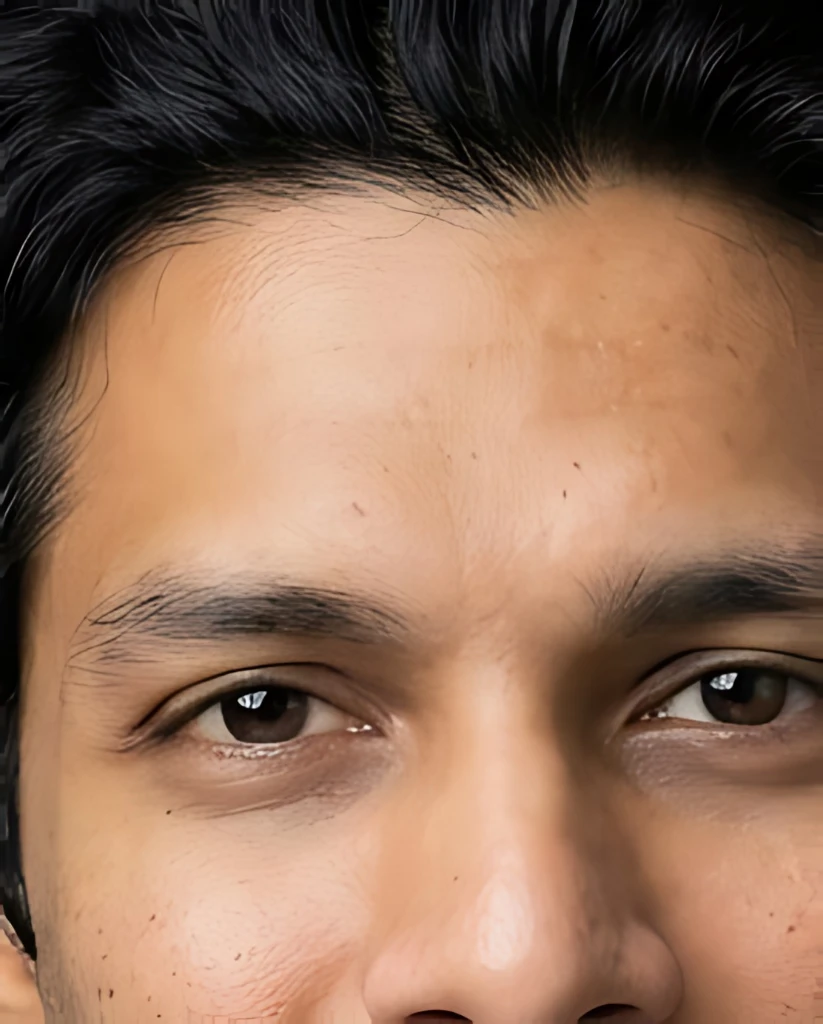
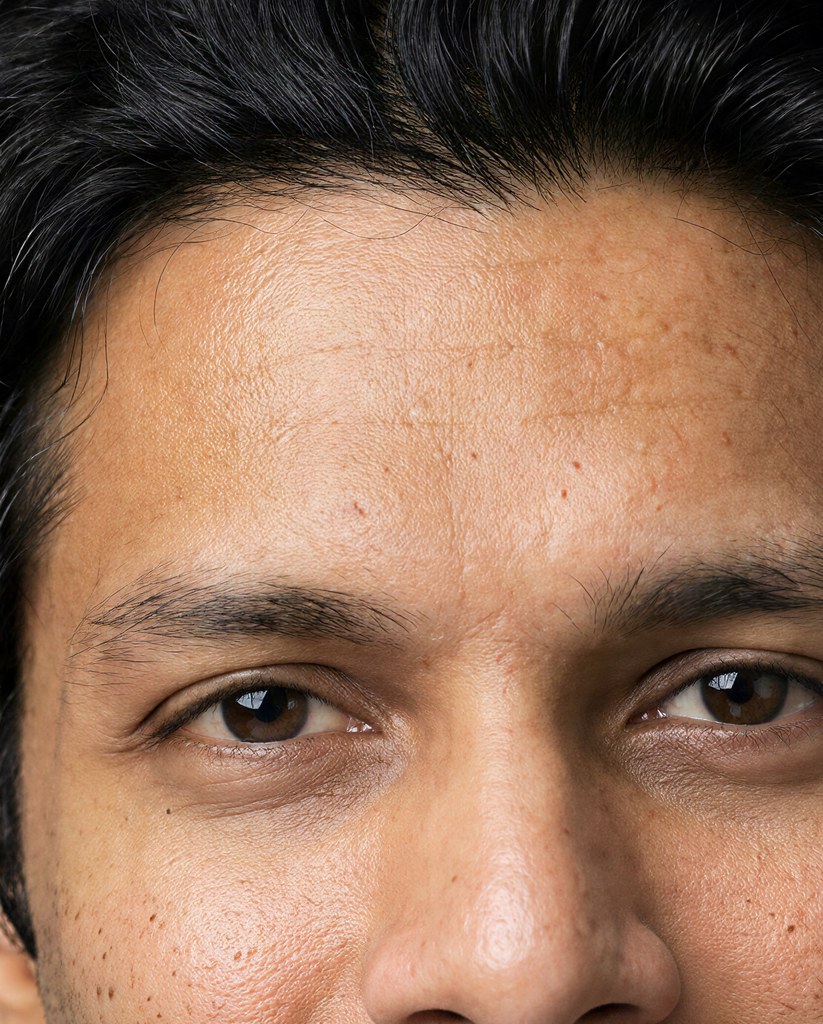
In Luala Studio, with AI
An old print? Restore repairs it
Enhancing sharpens an old print's scratches, stains and smudges along with the rest. Restore in Luala Studio repairs them with AI and, as here, can colourise a black-and-white photo.
It runs in Luala Studio, on a photo you add to your account, not on the photos you enhance with this free tool.
Try Restore All AI edits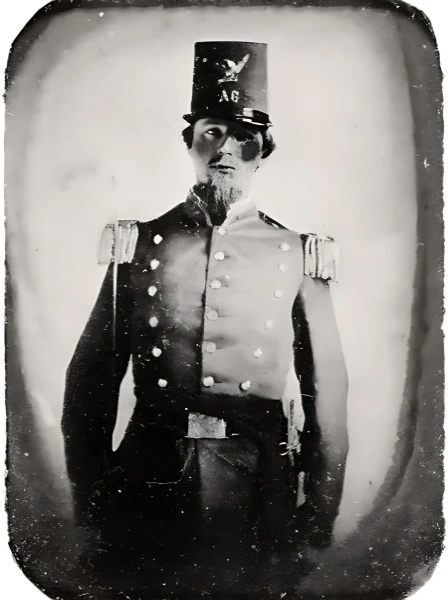

made from a few selfies
Want photos like these?
Luala makes a photo shoot of you from a few selfies: a café, a city walk, golden light. Your first 8 photos are free.
Start your shoot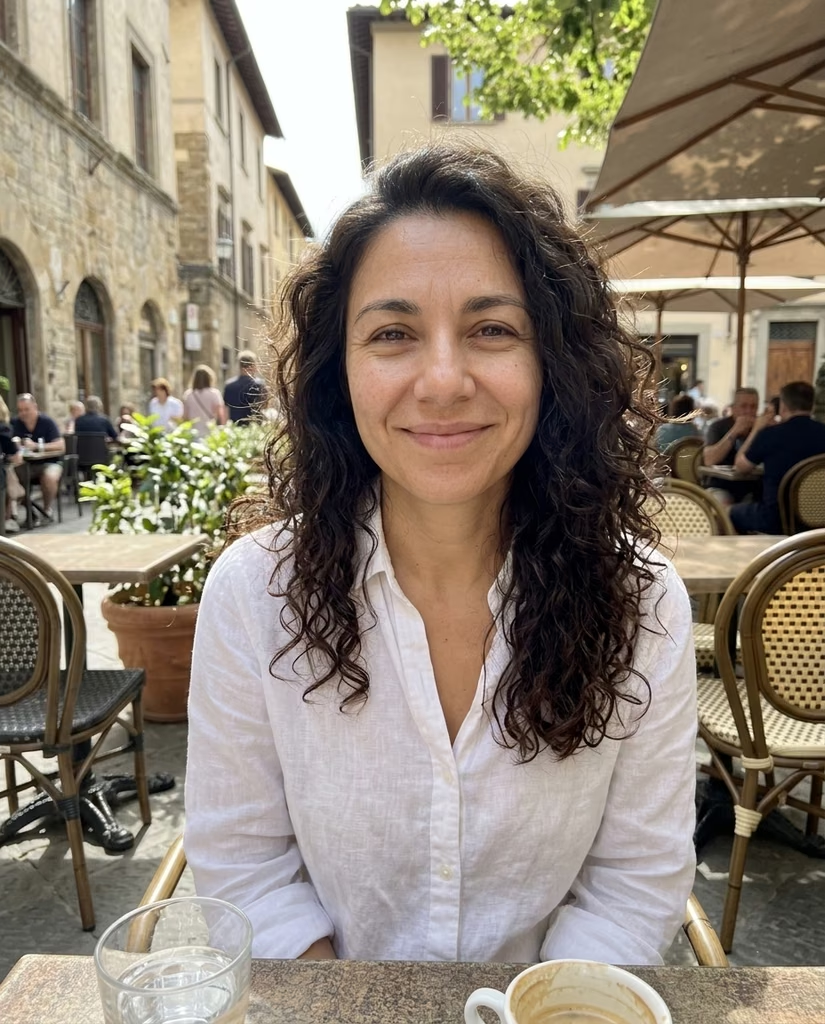


Making a small photo larger and sharper
Drop a photo that is too small or a little soft: a picture saved from a chat, an old phone's photo, a crop that kept too few pixels. Pick 2× or 4× and it comes back that much wider and taller, with edges, hair and lettering redrawn rather than stretched.
The enhancing is done by a model that runs in your browser. The first time, your browser downloads it, about 35 MB, and keeps it for next time. Your photo stays on this device.
Questions
Are my photos uploaded?
No. The model comes to your browser and enhances the photo on this device. Your photos aren't sent to Luala or anywhere else.
How much larger can a photo get?
Twice or four times as wide and tall, as you pick, up to 32 megapixels (on an iPhone, 4096 × 4096 pixels). Past that you get the largest size within it, and the row says the size.
Will it fix a blurry photo?
A slightly soft photo comes out clearly sharper. A badly blurred or shaken one improves only a little: the detail was never captured, and the model doesn't invent a face or text it can't see.
Why won't it enhance a large photo?
Each photo is enhanced piece by piece on your device, so a large one takes long. With your graphics chip it takes photos up to about 4 megapixels, 2000 × 2000; a browser that runs it on the processor alone takes about 0.4 megapixels, 630 × 630. A photo past that is already large: for a print, use Upscale in Luala Studio.
Can it repair an old print?
It sharpens and enlarges, but it leaves scratches, stains and faded colour as they are. Restore in Luala Studio repairs them with AI and can colourise a black-and-white photo.
How many photos can I do at once?
As many as you choose. The first opens above the list; once it is enhanced, open the next from its row. Once two are done you can download them all as one zip.
HEIC decoding: libheif (LGPL-3.0)
Model: Real-ESRGAN (BSD-3-Clause), ONNX Runtime (MIT)