Free tool
Passport photo
Turn your own photo into a passport or visa photo: cut out, on a plain background, at 35 × 45 mm or 2 × 2 in, with a print sheet. Nothing uploaded.
Drag and zoom until your face fills the oval, the top of your head at its top and your chin at its bottom. Arrow keys move it, + and − zoom.
Try Chrome, Safari or Firefox on a computer.
Nothing is uploaded. Your photos are cut out on this device and never leave it.
No location in your JPGs. Where and when a photo was taken is left out.
In Luala Studio, with AI
Flyaway hair? Cut yourself out in Luala Studio first
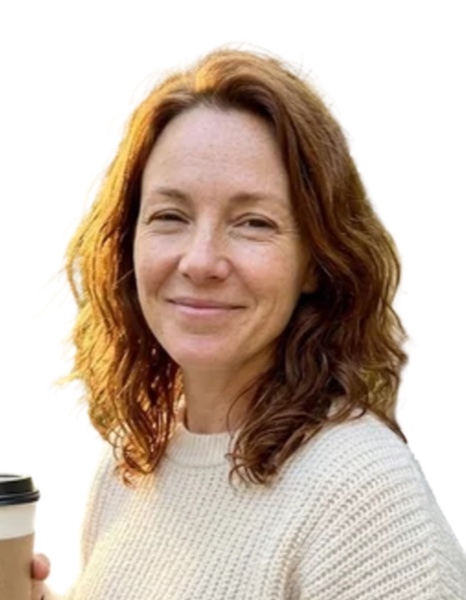
This free tool cuts you out with a small model in your browser, and round loose hair it leaves a pale halo, as on the left. Remove background in Luala Studio cuts along each strand with AI and leaves your face as it is. Download its cutout, drop it here and frame it as usual.
It runs in Luala Studio, on a photo you add to your account, not on the photos you cut out with this free tool.
Try Remove background All AI edits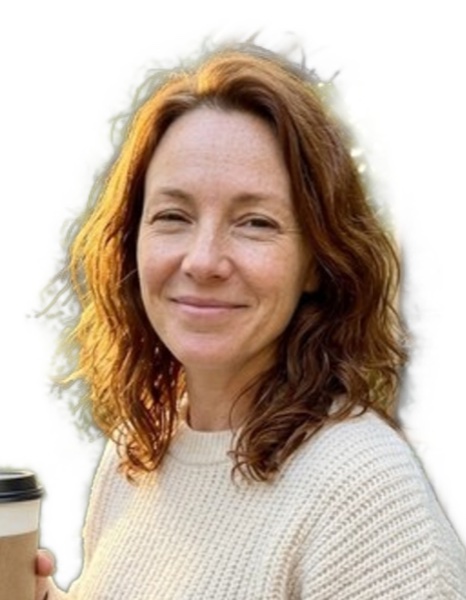
made from a few selfies
Professional headshots
Add a few selfies. Luala makes headshots of you in a studio, outdoors, against an office and on a coloured backdrop, for your CV or LinkedIn.
See AI headshots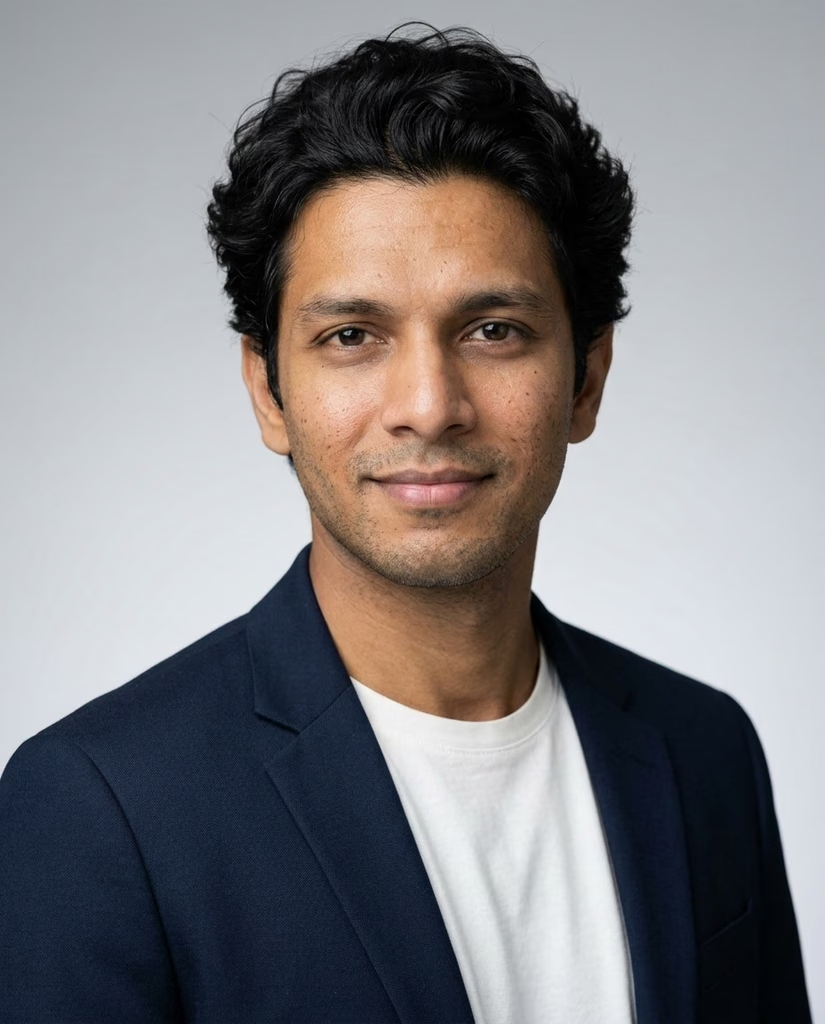


Making a passport photo at home
Take a photo of yourself against any wall, facing the camera. Drop it here: you're cut out, set on white, light grey or cream, and framed at the size your document asks for. You download the photo, and a sheet of copies to print at a photo shop.
The cutting is done by a model that runs in your browser. The first time, your browser downloads it, about 28 MB, and keeps it for next time. Your photo stays on this device.
Questions
Are my photos uploaded?
No. The model comes to your browser and cuts the photo out on this device. Your photos aren't sent to Luala or anywhere else.
Which sizes can I make?
35 × 45 mm for the EU, the UK and Switzerland, 2 × 2 in for the United States, 50 × 60 mm for Türkiye, 50 × 70 mm for Canada, 4 × 6 cm for Vietnam and 33 × 48 mm for a Chinese visa. The oval shows where each country's rules want your head.
Will my photo be accepted?
The tool doesn't check it. Every office has its own rules on head size, glasses, expression and background, and some take only photos from a studio. Read your office's page before you print.
Can I use it for a German passport or ID card?
No. Since May 2025, German passports and ID cards take only a photo sent digitally by a certified photo studio or taken at the office. You can use it for a Swiss ID card, a visa, another country's passport or an application.
How do I print it?
Download the print sheet: a 10 × 15 cm photo holding as many copies as fit (4 × 6 in for the 2 × 2 in size). Order it as an ordinary photo print at full size, then cut along the grey lines.
Why does the first photo take longer?
Your browser downloads the model first, about 28 MB, once. After that, each photo takes a few seconds.
HEIC decoding: libheif (LGPL-3.0)
Model: MODNet (Apache-2.0), ONNX Runtime (MIT)