Free tool
Remove objects
Paint over a person, an object or text and erase it from your photo. In your browser, nothing uploaded, no watermark. Free, no sign-up.
Paint over a person, an object or text, a little past its edges, then press Remove. Anything left, paint again.
Try Chrome, Safari or Firefox on a computer. Or use Remove objects in Luala Studio
Nothing is uploaded. Your photos are edited on this device and never leave it.
No location in your photos. Where and when a photo was taken is left out.
In Luala Studio, with AI
Whole people gone, the room rebuilt behind them
This free tool fills something small against a plain background best; a large area comes out softer. Remove objects in Luala Studio takes out whole people and, with AI, draws back the wall, the table and the window they were hiding. Nothing you don't paint changes.
It runs in Luala Studio, on a photo you add to your account, not on the photos you clean up with this free tool.
Try Remove objects All AI edits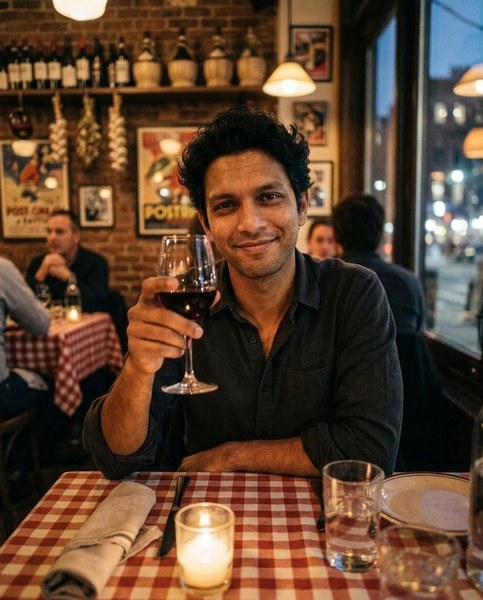
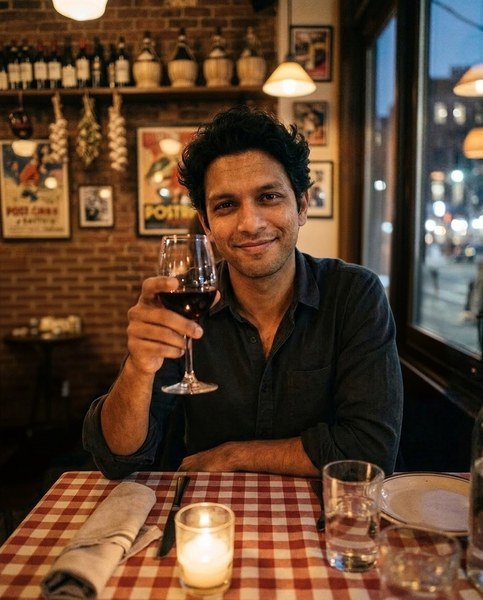
made from a few selfies
Want photos like these?
Luala makes a photo shoot of you from a few selfies: a café, a city walk, golden light. Your first 8 photos are free.
Start your shoot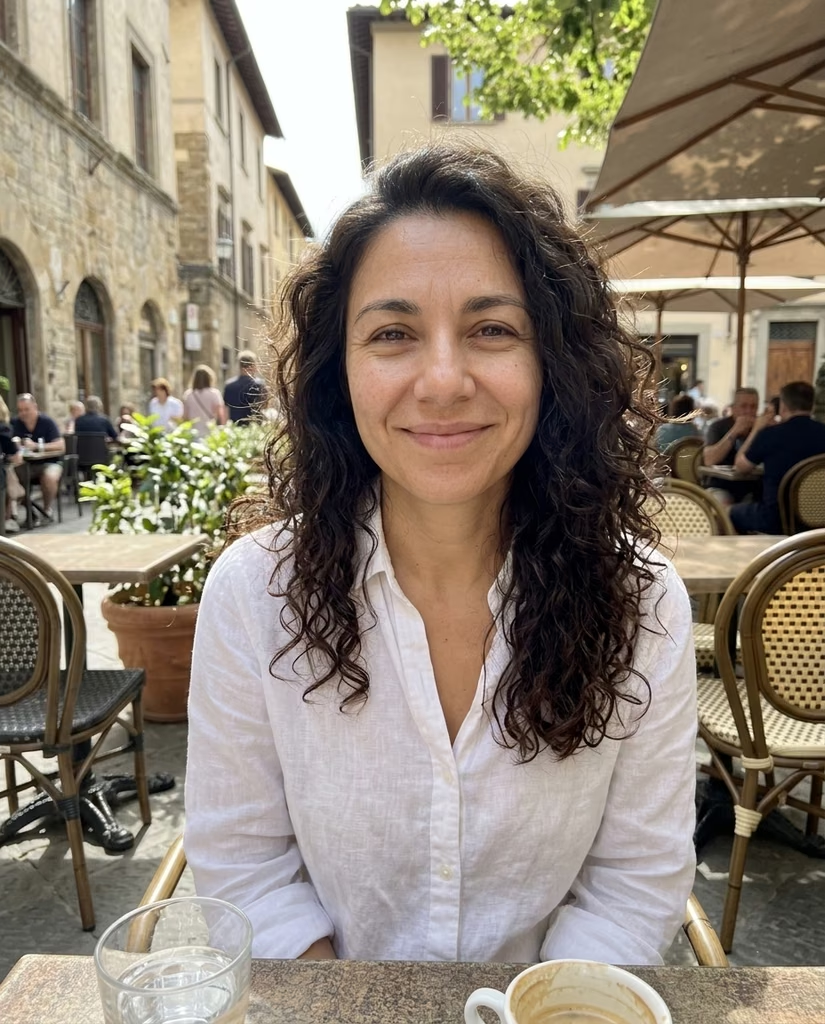


Removing something from a photo
Drop a photo and it opens with a brush over it. Paint over what you want gone, a stranger in the back, a bin, a cable, a date stamp, and press Remove. The space is filled with what was around it.
Only what you paint changes. Anything left behind, paint again and press Remove again. Start over brings back your photo as it was.
The filling is done by a model that runs in your browser. The first time, your browser downloads it, about 43 MB, and keeps it for next time. Your photo stays on this device.
Questions
Are my photos uploaded?
No. The model comes to your browser and fills the photo on this device. Your photos aren't sent to Luala or anywhere else.
What does it fill best?
Something small against sky, a wall, grass, sand or water. A large area, or one in front of a busy pattern, comes out softer, and may need a second pass.
Does the rest of my photo change?
No. Only what you paint over is filled in. A PNG keeps every other pixel as it was; any other photo is saved as a JPG, at full size.
Something is still there. What now?
Paint over what's left and press Remove again. Each time works on the photo as it is now, and Start over takes you back to the original.
Why does the first photo take longer?
Your browser downloads the model first, about 43 MB, once. If you've used Remove background here, about 28 MB. After that, each Remove takes a second or two.
Can I do several photos?
Yes. Drop as many as you like. The first opens above the list; open the next from its row. Once two are done you can download them all as one zip.
HEIC decoding: libheif (LGPL-3.0)
Model: MI-GAN (MIT), ONNX Runtime (MIT)