Free tool
Blur photos
Draw an oval over a face, a name or a number plate and blur or pixelate it, or the whole photo. Nothing uploaded, no location kept, no sign-up.
Drag over what to hide. Drag an oval to move it, a corner to resize it. Tab to an oval: the arrow keys move it, Shift and the arrows resize it, Delete removes it.
Nothing is uploaded. Your photos are blurred on this device and never leave it.
No location in your photos. Where and when a photo was taken is left out.
In Luala Studio
To hide every face at once, use Blur faces in Luala Studio
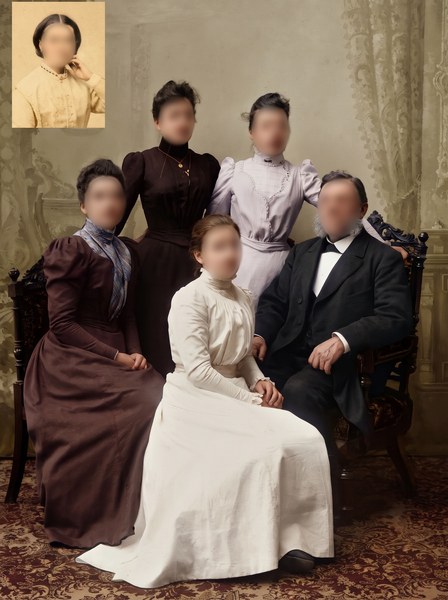
This free tool hides what you mark, one oval at a time. Blur faces in Luala Studio finds every face in the photo for you, small ones too, and hides them all. Tap a face to keep it sharp.
It runs in Luala Studio, on a photo you add to your account, not on the photos you blur with this free tool.
Try Blur faces All AI edits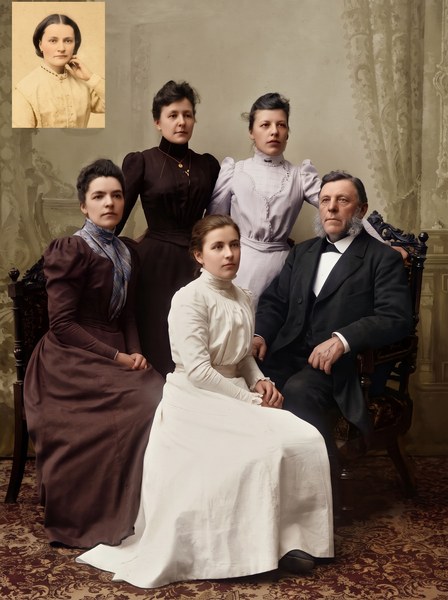
made from a few selfies
Want photos like these?
Luala makes a photo shoot of you from a few selfies: a café, a city walk, golden light. Your first 8 photos are free.
Start your shoot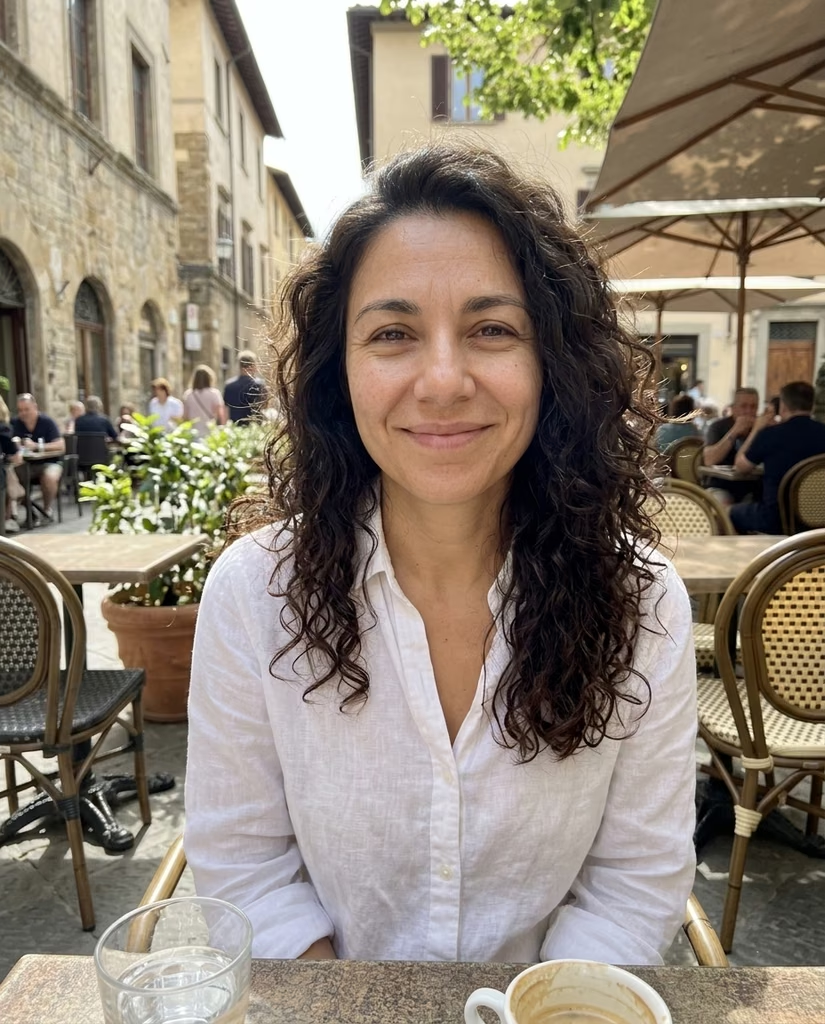


Hiding part of a photo
Drop your photos and each one opens with its settings beside it. Drag over what you want to hide: an oval appears, and what's inside it is blurred as you draw. Add as many ovals as the photo needs, then press Blur photo and download.
Drag an oval to move it, or a corner to resize it. Tap an oval and press × to remove it. Whole photo blurs everything at once.
A PNG comes back as a PNG, every other photo as a JPG. Everything outside your ovals stays as it was.
Questions
Blur or pixelate: which hides better?
Pixelate. Its squares keep less of what was there, so it's the safer pick for a number plate or a name. At the default strength, both make a face unreadable.
Are my photos uploaded?
No. Your browser blurs them on this device. They aren't sent to Luala or anywhere else.
Can I blur the whole photo?
Yes. Turn on Whole photo and the effect covers it edge to edge. Your ovals come back when you turn it off.
Is the location removed?
Yes. The photo you download carries no location, no date and no camera details.
Can I blur several photos?
Yes. Drop as many as you like. Tap one in the list to open it, and once two are blurred you can download them all as one zip.
Can I change a photo I've blurred?
Yes. Press Blur again on its row and it opens with your ovals where you left them.