Add the person who missed the photo
Pick a photo of yours and a photo of the person to add, then press Combine. They come back sitting or standing beside you, in the light and the place of your photo, with the face they have in theirs. Combine adds an object the same way: a bouquet, a guitar, your own product.
Try it on your photo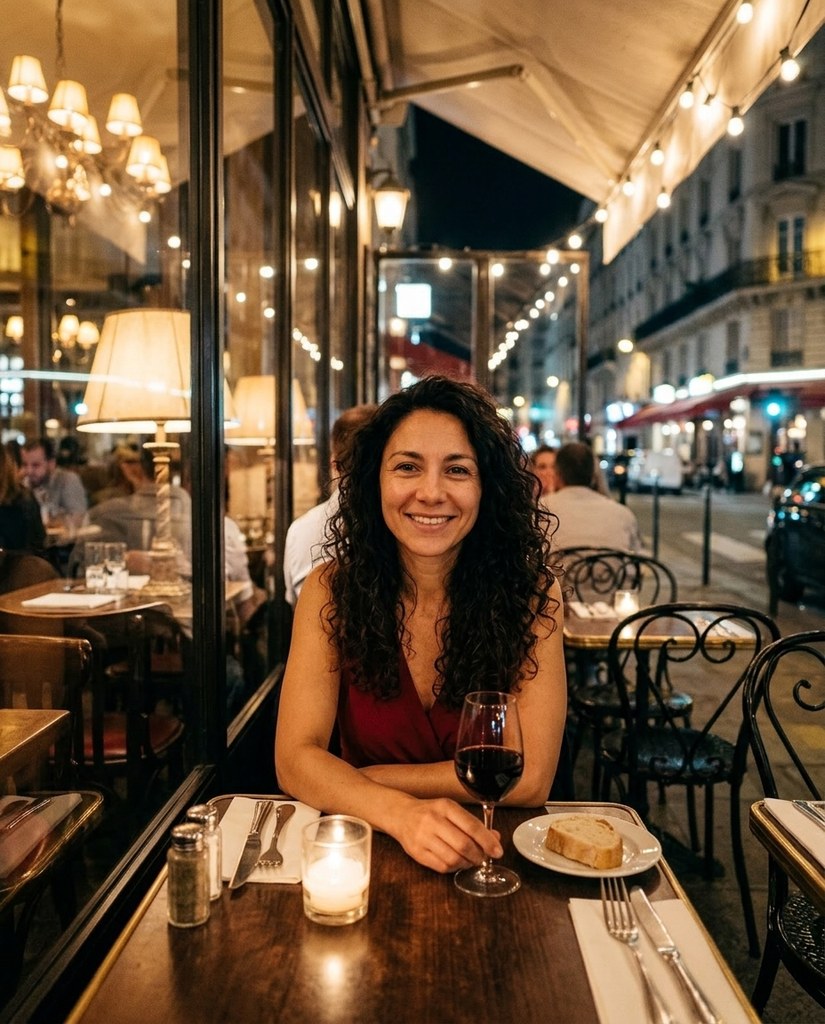

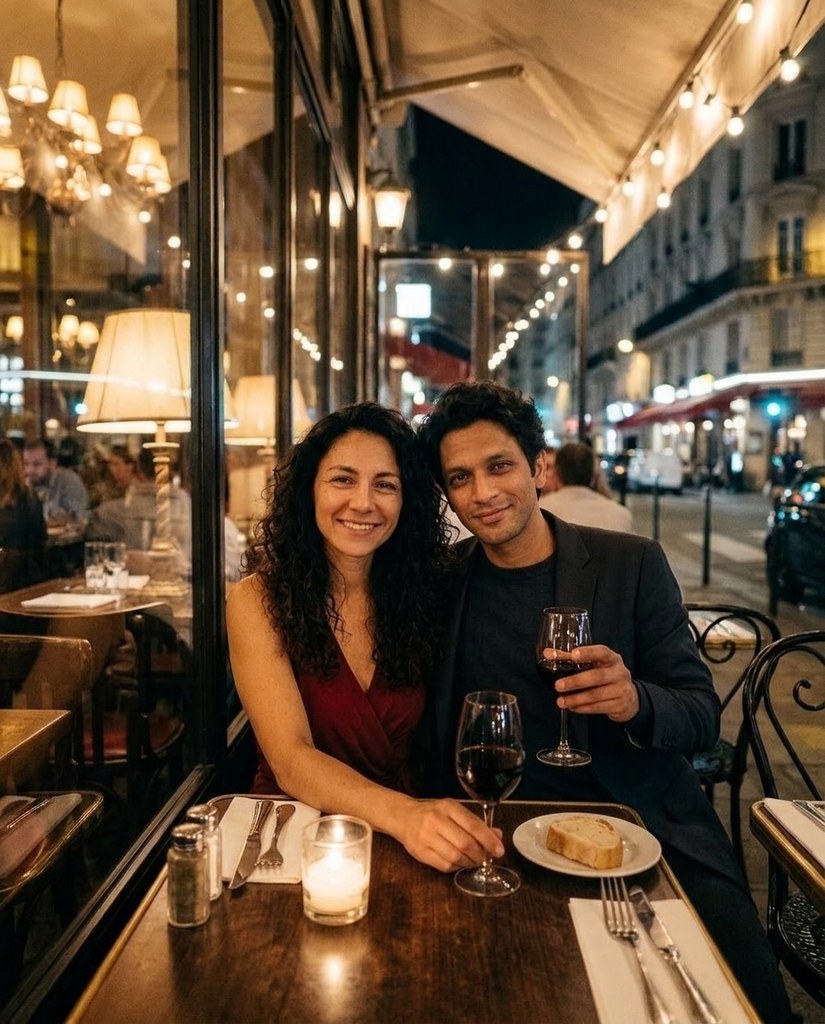
Six photos, someone added to each


Each Original is a sample model's photo before Combine. Each After is what Combine made of it and the photo in its corner: another sample model, now beside them.
How it works
- 1Add a photo, or pick one Luala made
- 2Choose who to add: a photo of them, or one of your characters
- 3Press Combine and get the photo back with them in it
Questions
Can I do this with a photo of mine?
Yes. Once you've signed in, Combine opens. Add a photo to My photos or pick one Luala made, then choose who or what to add: another photo, or one of your characters. Then press Combine.
Will we both still look like ourselves?
Combine is told to keep your face as it is, and the added person's face as it is in their photo. Their clothes come with them; their background is left out.
Can I add an object instead of a person?
Yes. Pick a photo of the object, and Combine puts it in your hand or in the scene, with its shape, colours and any logo kept.
Can I use a photo of a child or a teenager?
No. Everyone in both photos has to be 18 or older. If someone looks younger than that, we check the photo first, and it may not go through.
Can I add someone else?
Only with their written consent, and everyone in both photos has to be 18 or older.
Are these people real?
No. They're made-up sample models. Each After is what Combine made of the Original and the photo in its corner, with nothing touched up by hand.