Step back from a close-up and see where it was taken
A close-up leaves the place out. Zoom out redraws the photo from further back: the street, the bar or the trail around you comes into the frame, and you stay yourself. Zoom out again on the result to step back further.
Try it on your photo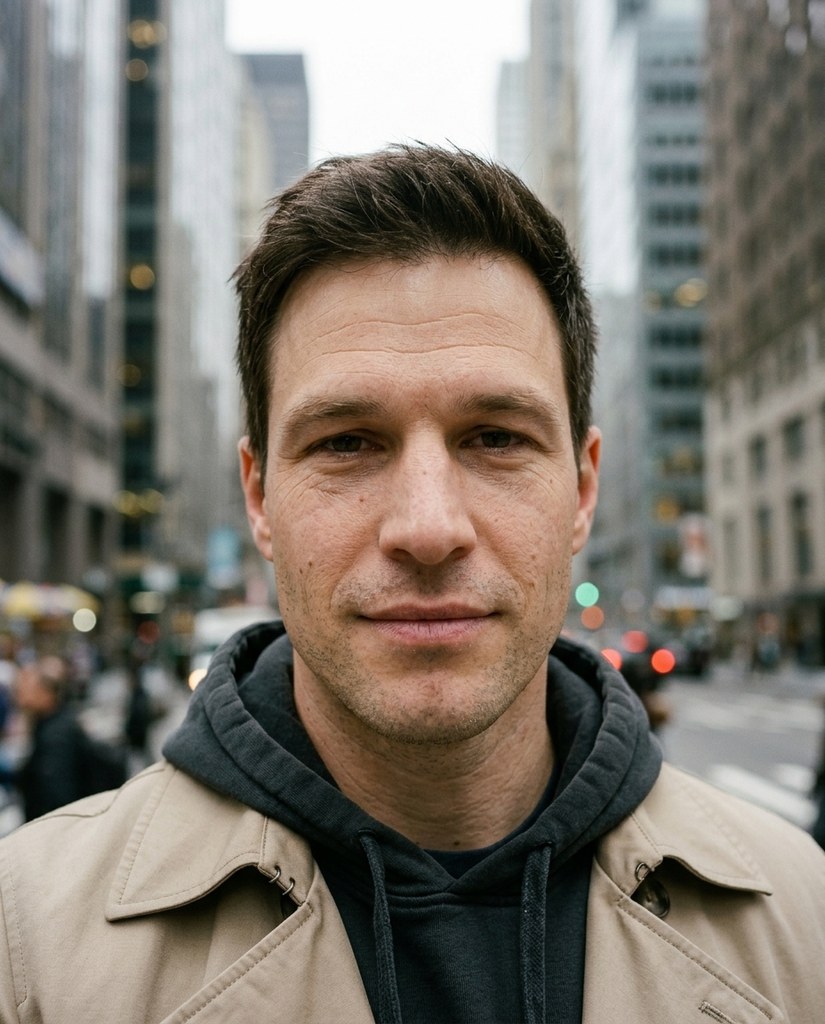
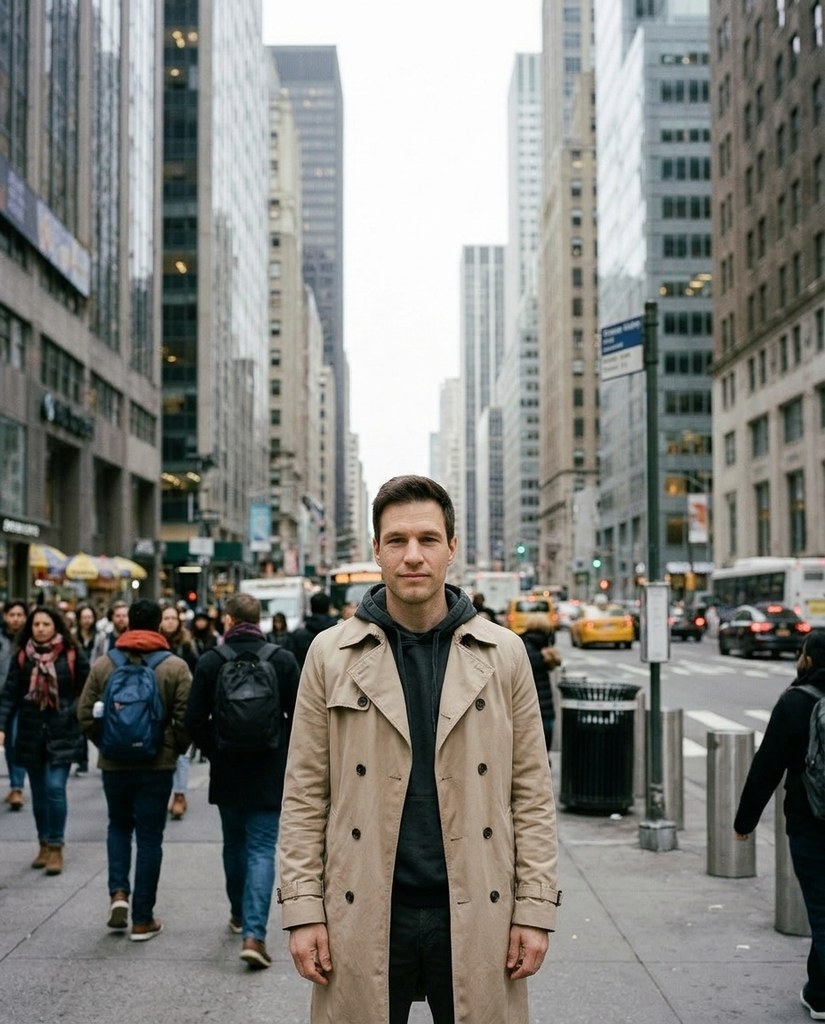
The same moment, further back


Each Original is a tight shot of a sample model. Step 1 is Zoom out run on it, and Step 2 is Zoom out run again on Step 1.
How it works
- 1Add a photo, or pick one Luala made
- 2Press Zoom out
- 3Zoom out again on the result to step back further
Questions
Can I zoom out on a photo of mine?
Yes. Once you've signed in, Zoom out opens. Add a photo to My photos, or pick one Luala made, and press Zoom out.
How far back does it go?
One step each time. To go further, zoom out again on the result: Step 2 above is a second Zoom out of Step 1.
Does my photo keep its shape?
Yes. A 4:5 photo comes back 4:5, a square one square. Zoom out redraws the whole photo from further back rather than adding a border around it, so the edges of the frame are new.
Can I use a photo of a child or a teenager?
No. Everyone in the photo has to be 18 or older. If someone looks younger than that, we check the photo first, and it may not go through.
Can I use a photo of someone else?
Only with their written consent, and everyone in the photo has to be 18 or older.
Are these people real?
No. They're made-up sample models, and so is everyone around them. Each step here is Zoom out run on the photo before it.