Blur the background behind you
Blur background softens everything behind the person, the way an 85 mm lens wide open does, and keeps them sharp. One button, on a photo you add or one Luala made.
Try it on your photo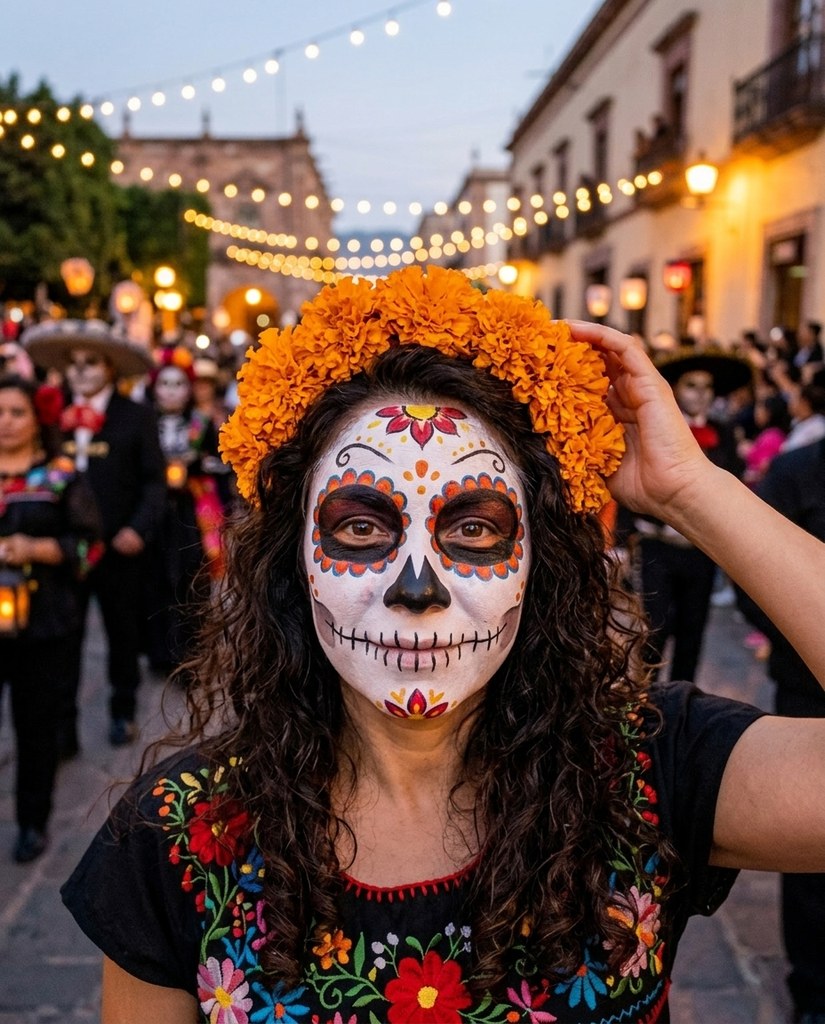
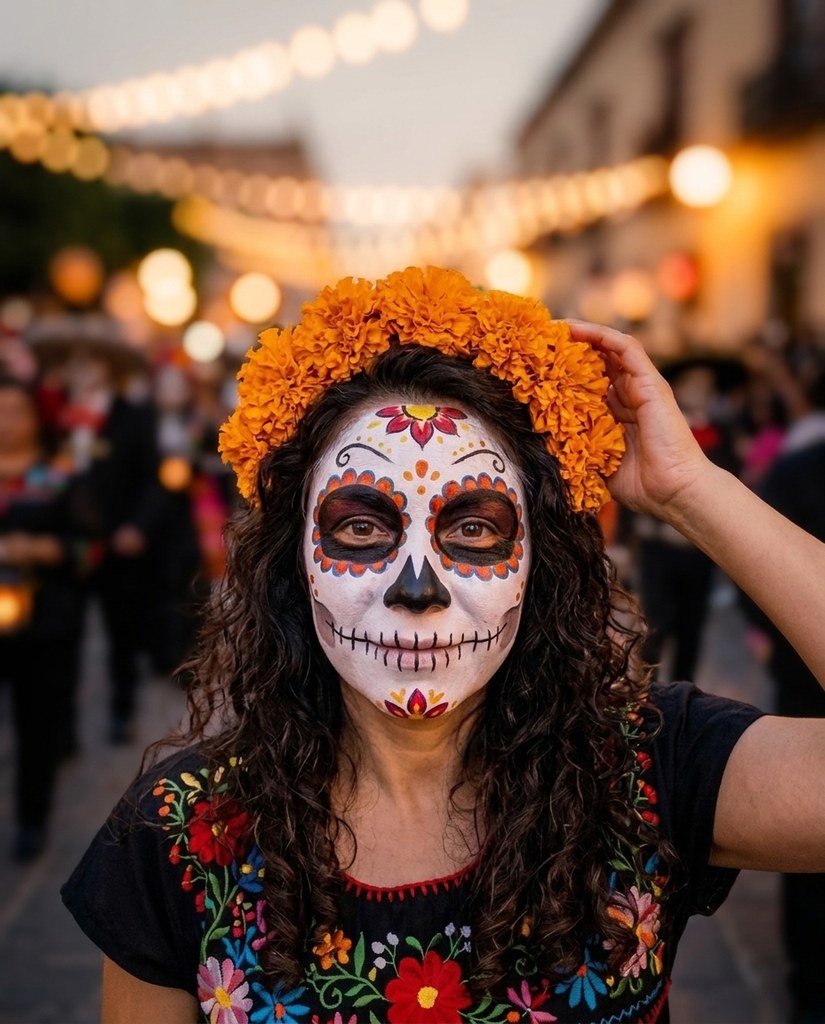
The background blurred


Each Original is a sample model in a busy place. Blur background softened what was behind them and kept them sharp.
How it works
- 1Add a photo, or pick one Luala made
- 2Open Blur background
- 3Press the button and get the photo back
Questions
Can I blur the background of a photo of mine?
Yes. Once you've signed in, Blur background opens. Add a photo to My photos, or pick one Luala made, and press the button.
How strong is the blur?
Strong, and the same on every photo: there's no slider. Where the background is already close behind you, it comes out lighter.
Does my face change?
No. You stay as the photo has you: face, pose and framing. The background is redrawn as it's blurred, so people far behind you can change.
Can I use a photo of a child or a teenager?
No. Everyone in the photo has to be 18 or older. If someone looks younger than that, we check the photo first, and it may not go through.
Can I use a photo of someone else?
Only with their written consent, and everyone in the photo has to be 18 or older.
Are these people real?
No. They're made-up sample models, and so is everyone around them. Each Blurred here is Blur background run on the Original beside it.