luala Sign in

Get closer to any part of a photo, at full resolution

A crop keeps only the pixels inside its frame: cut one eye out of a portrait and it is about a hundred pixels across, soft as soon as you enlarge it. Zoom in rebuilds the frame with AI at the full size of the photo.

Try it on your photo
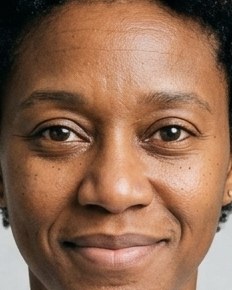
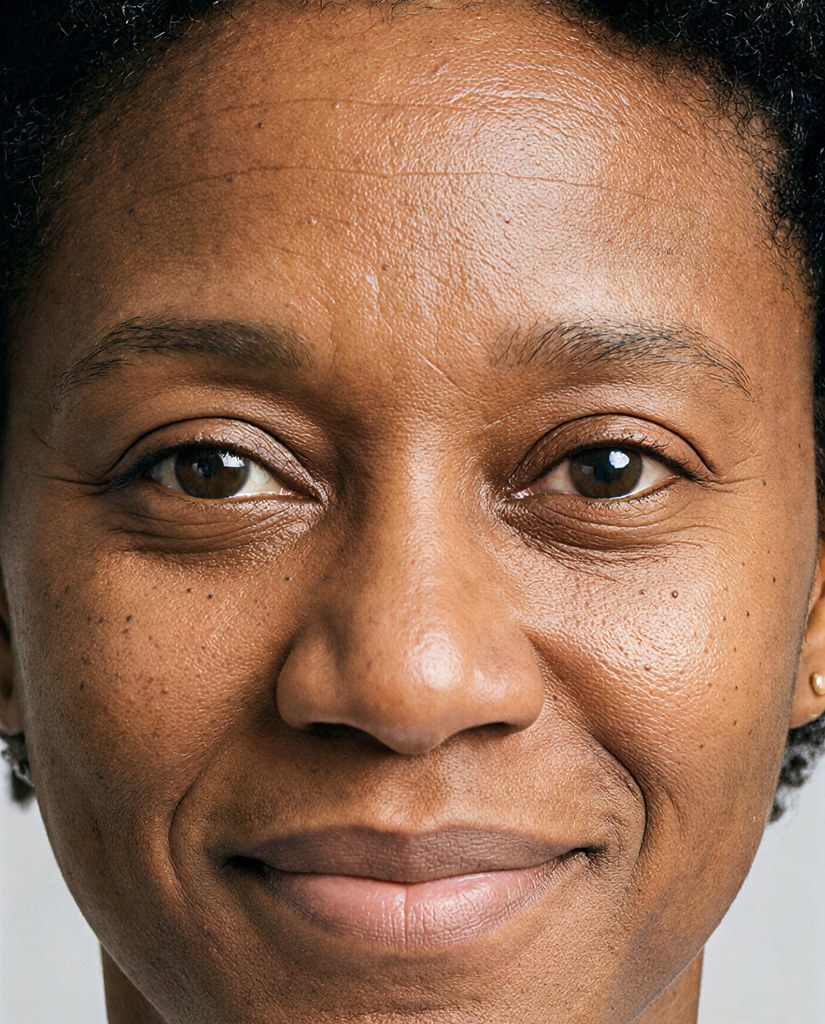
Drag to compare.

Zoom in on one eye and still get a full-size photo

Lena: Whole photo
Whole photo
Lena: Shoulders Lena: Shoulders, Crop
Shoulders Zoom in · 825 × 1024 px Crop · 518 × 648 px
Lena: Face, 4× Lena: Face, 4×, Crop
Face, 4× Zoom in · 825 × 1024 px Crop · 232 × 290 px
Lena: One eye Lena: One eye, Crop
One eye Zoom in · 825 × 1024 px Crop · 90 × 113 px
Omar: Whole photo
Whole photo
Omar: Shoulders Omar: Shoulders, Crop
Shoulders Zoom in · 825 × 1024 px Crop · 497 × 621 px
Omar: Face, 4× Omar: Face, 4×, Crop
Face, 4× Zoom in · 825 × 1024 px Crop · 232 × 290 px
Omar: One eye Omar: One eye, Crop
One eye Zoom in · 825 × 1024 px Crop · 86 × 108 px
Marco: Whole photo
Whole photo
Marco: Shoulders Marco: Shoulders, Crop
Shoulders Zoom in · 825 × 1024 px Crop · 454 × 568 px
Marco: Face, 4× Marco: Face, 4×, Crop
Face, 4× Zoom in · 825 × 1024 px Crop · 232 × 290 px
Marco: One eye Marco: One eye, Crop
One eye Zoom in · 825 × 1024 px Crop · 79 × 99 px
Kofi: Whole photo
Whole photo
Kofi: Shoulders Kofi: Shoulders, Crop
Shoulders Zoom in · 825 × 1024 px Crop · 500 × 625 px
Kofi: Face, 4× Kofi: Face, 4×, Crop
Face, 4× Zoom in · 825 × 1024 px Crop · 232 × 290 px
Kofi: One eye Kofi: One eye, Crop
One eye Zoom in · 825 × 1024 px Crop · 87 × 109 px
Nia: Whole photo
Whole photo
Nia: Shoulders Nia: Shoulders, Crop
Shoulders Zoom in · 825 × 1024 px Crop · 579 × 724 px
Nia: Face, 4× Nia: Face, 4×, Crop
Face, 4× Zoom in · 825 × 1024 px Crop · 232 × 290 px
Nia: One eye Nia: One eye, Crop
One eye Zoom in · 825 × 1024 px Crop · 100 × 125 px
Lucia: Whole photo
Whole photo
Lucia: Shoulders Lucia: Shoulders, Crop
Shoulders Zoom in · 825 × 1024 px Crop · 545 × 681 px
Lucia: Face, 4× Lucia: Face, 4×, Crop
Face, 4× Zoom in · 825 × 1024 px Crop · 232 × 290 px
Lucia: One eye Lucia: One eye, Crop
One eye Zoom in · 825 × 1024 px Crop · 94 × 118 px
Crop or Zoom in
The person
The change
Try it on your photo

Pick how close, then switch between Crop and Zoom in. The crop is the frame's own pixels, enlarged by your browser. Zoom in is the same frame, rebuilt at full size.

How it works

  1. Add a photo, or pick one Luala made
  2. Place the frame and pick its shape
  3. Press the button and get the closer photo back at full size

Questions

Can I zoom in on a photo of mine?

Yes. Once you've signed in, Zoom in opens. Add a photo to My photos, or pick one Luala made, then place the frame and pick its shape.

How close can I go?

Up to four times closer in one go: the frame can be as narrow as a quarter of the photo. To go closer, zoom in again on the result. The eye above is a second Zoom in of the face.

Which shapes can the frame take?

Square, 4:5, 3:4, 2:3 or 9:16, upright or wide. Move the frame anywhere on the photo.

Can I use a photo of a child or a teenager?

No. Everyone in the photo has to be 18 or older. If someone looks younger than that, we check the photo first, and it may not go through.

Can I use a photo of someone else?

Only with their written consent, and everyone in the photo has to be 18 or older.

Are these people real?

No. They're made-up sample models. Each Zoom in here was made from the photo beside it, and each crop is the same frame of that photo.