Say what should go, and it's out of the photo
Type what should go, such as “the people behind me”, and Remove objects marks it in pink. Or paint over it yourself. Press Remove: what's pink is erased, and the wall, the table or the field behind it is drawn in. Nothing outside the pink changes.
Try it on your photo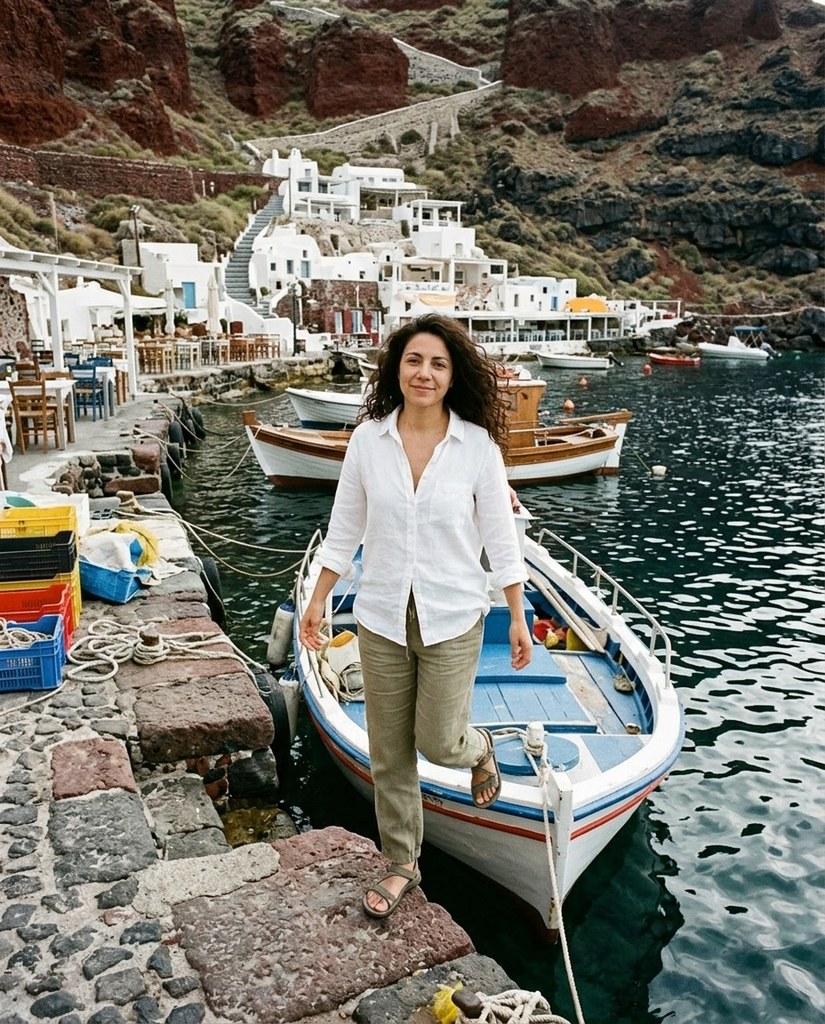
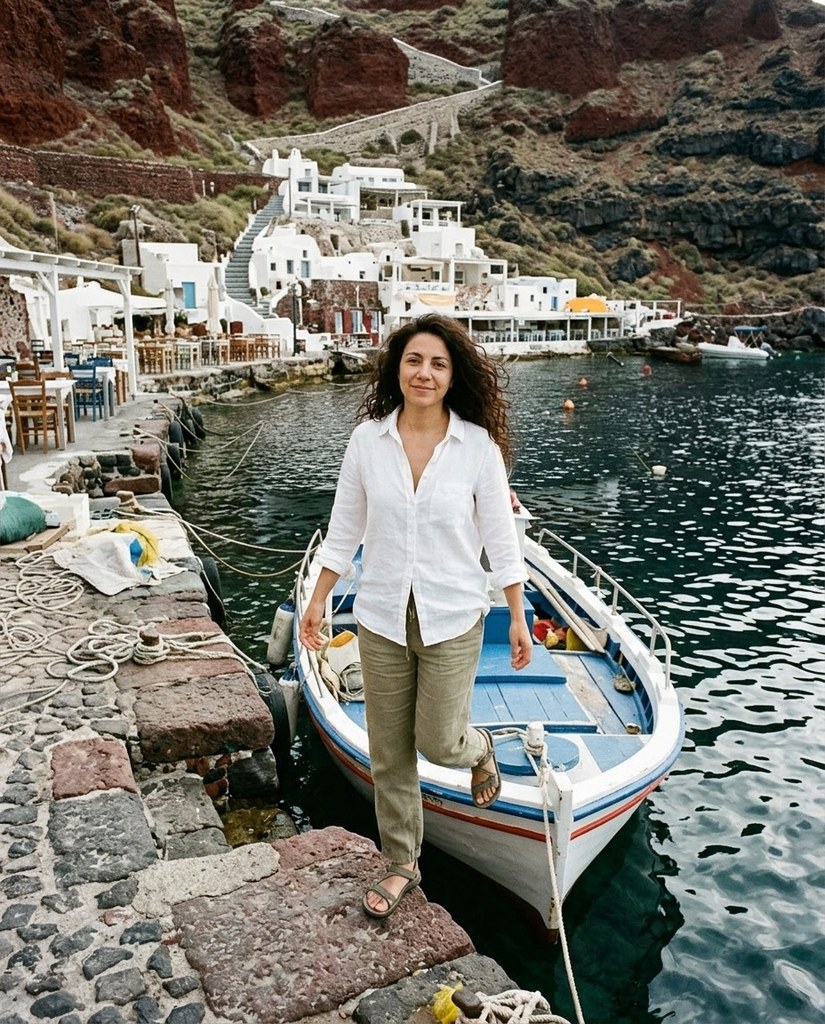
Six photos, with something taken out of each


Each Original is a sample model's photo before Remove objects. Each After is what Remove objects made of it from a few words, such as “the crates and the boats behind her” for Lucia.
How it works
- 1Add a photo, or pick one Luala made
- 2Say what should go, or paint over it
- 3Press Remove and get the photo back without it
Questions
Can I remove something from a photo of mine?
Yes. Once you've signed in, Remove objects opens. Add a photo to My photos, or pick one Luala made, then say what should go or paint over it.
What can it take out?
People, from two campers to a crowd, and things: sun umbrellas, crates, boats, the plates on a table. Name them in your own words. Each After above was made from words like “the people behind her” or “the plates, the knives and forks, and the napkins”.
What if something is left?
Before you press Remove, everything it found is pink: paint over what it missed, and erase what should stay. You can also remove again from the result. Kofi's After took two: the people behind him, then the people in the distance.
Can I use a photo of a child or a teenager?
No. Everyone in the photo has to be 18 or older. If someone looks younger than that, we check the photo first, and it may not go through.
Can I use a photo of someone else?
Only with their written consent, and everyone in the photo has to be 18 or older.
Are these people real?
No. They're made-up sample models. Each After is what Remove objects made of the photo beside it from words alone, with no painting.