Take a photo to 4K, with the detail drawn in
Enlarging a photo adds pixels but no detail. Upscale takes it to 2K or 4K with AI and draws the detail in: single hairs, the skin's texture, the light in the eyes.
Try it on your photo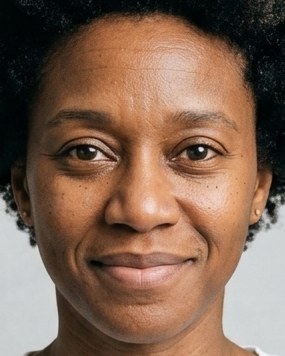
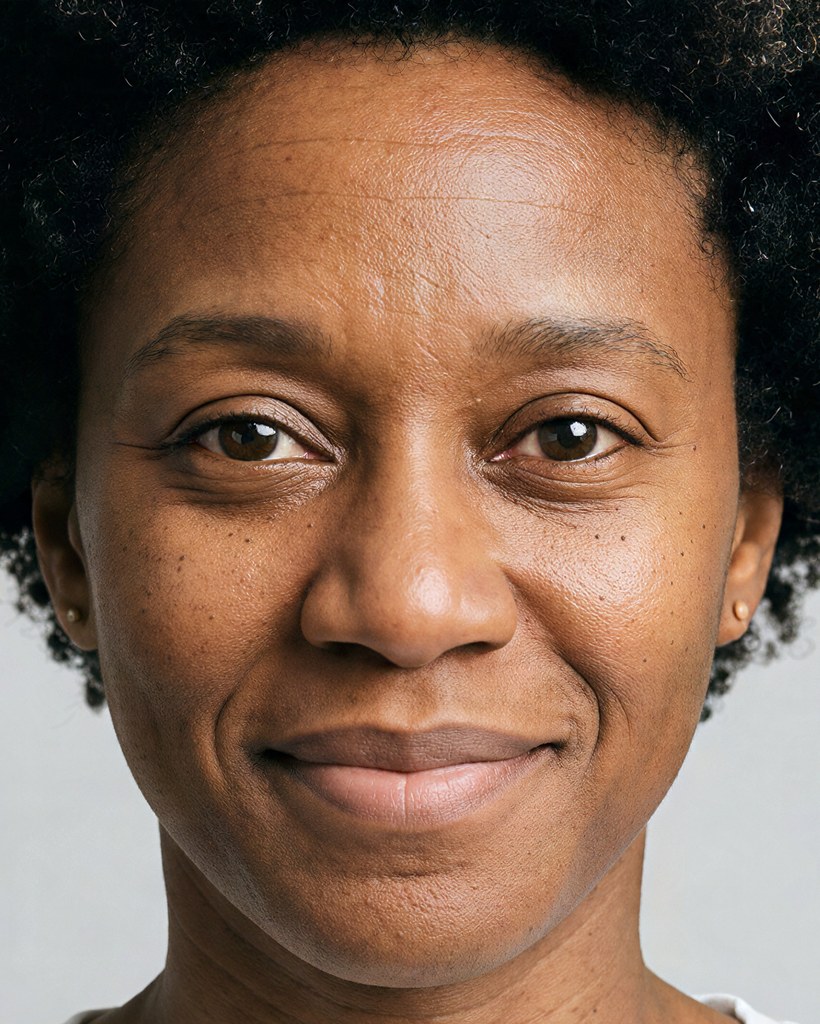
Up close, at 1K and at 4K


One face, cut from the same photo and shown at one size. Enlarged, the 1K goes soft. The 4K keeps the hairs, the pores and the light in the eyes.
How it works
- 1Add a photo, or pick one Luala made
- 2Choose 2K or 4K
- 3Press the button and get the larger photo back
Questions
Can I upscale a photo of mine?
Yes. Once you've signed in, Upscale opens. Add a photo to My photos, or pick one Luala made, and choose 2K or 4K.
Which size do I need?
2K is sharp on any screen. 4K is for posters and large prints. A photo that already has a size's pixels isn't offered that size.
Does it change the photo?
The face, the colours and the framing stay as they were. What's added is the fine detail a larger copy needs: compare Original and After above, up close.
Can I use a photo of a child or a teenager?
No. Everyone in the photo has to be 18 or older. If someone looks younger than that, we check the photo first, and it may not go through.
Can I use a photo of someone else?
Only with their written consent, and everyone in the photo has to be 18 or older.
Are these people real?
No. They're made-up sample models. Each After here is Upscale's 4K of the photo beside it, cut to the face.