Get a clean copy of a photo smeared by movement
Remove motion blur redraws a photo smeared by movement, a night shot from a shaky hand or people walking through the frame, without the streaks and doubled edges. A close face stays the same person. In a crowd, small faces and lettering are redrawn.
Try it on your photo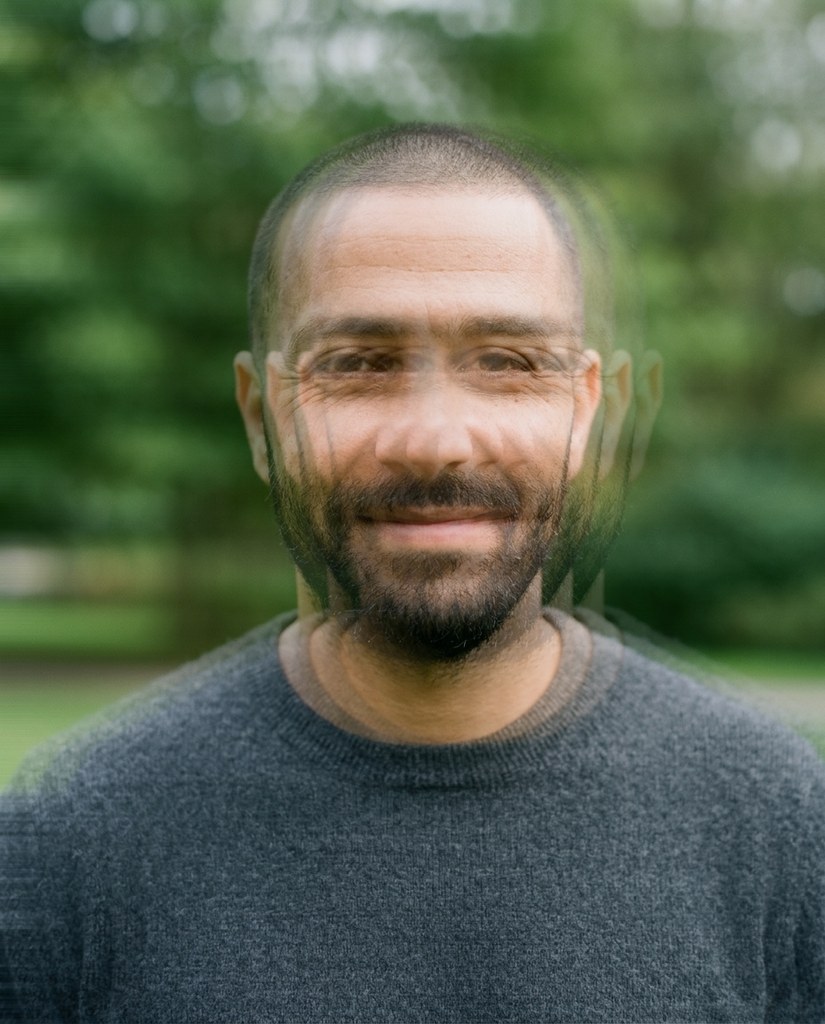
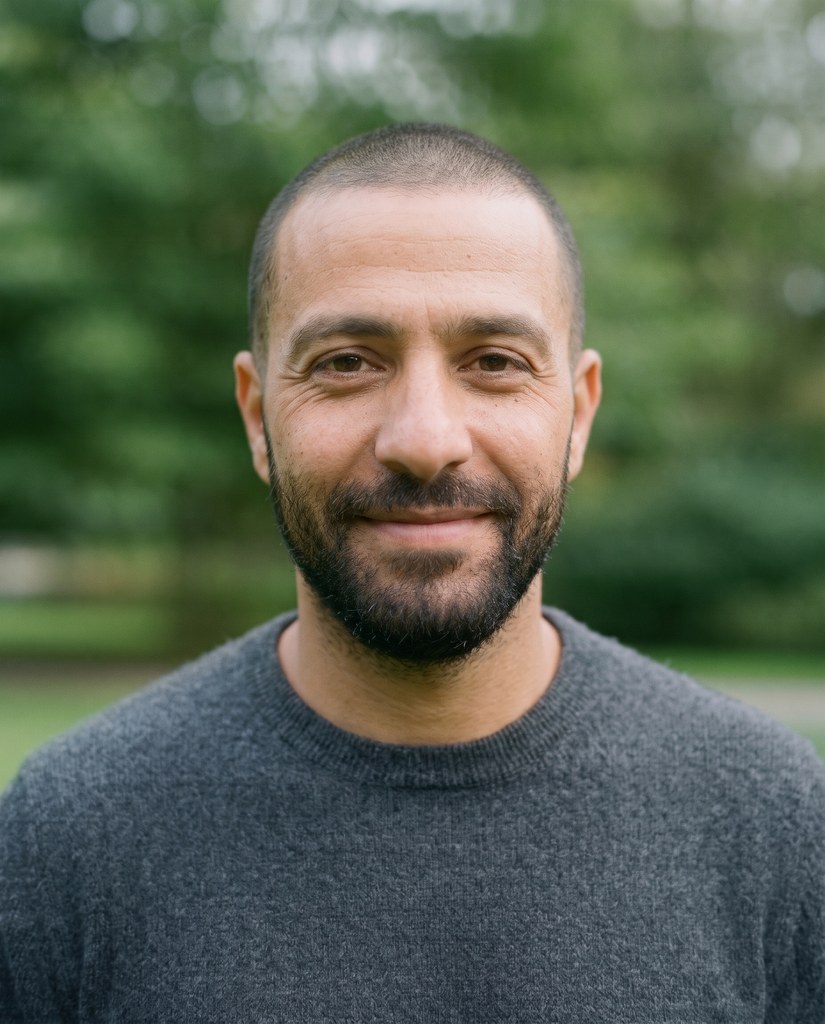
Three smeared photos, made clean


Each Original is a sample photo smeared on purpose: Omar's as if he moved during the shot, Lena's and Hanna's as if the camera shook. Each After is what Remove motion blur made from it, at High quality.
How it works
- 1Add the smeared photo
- 2Pick a size
- 3Press the button and get the clean copy back
Questions
Can I fix a blurry photo of mine?
Yes. Once you've signed in, Remove motion blur opens. Add the photo, pick a size and press the button.
Is it the same as Sharpen?
No. Sharpen is for a photo that's out of focus, and keeps the photo as it is. Remove motion blur is for streaks and ghosting from movement: it redraws the photo, which clears what Sharpen leaves.
Will the people look the same?
A close face stays the same person: the same features, expression, age and hair. In a crowd, the small faces and any lettering are redrawn, so look closely at those.
Can I use a photo of a child or a teenager?
No. Everyone in the photo has to be 18 or older. If someone looks younger than that, we check the photo first, and it may not go through.
Can I use a photo of someone else?
Only with their written consent, and everyone in the photo has to be 18 or older.
Are these people real?
No. They're made-up sample models. Each Original is a sharp sample photo we smeared on purpose, and each After is Remove motion blur run on it.