Repair an old photo and see it in colour
Restore repairs an old print's scratches, tears, stains and missing corners, sharpens the faces, and colours it if you ask. The people in it stay who they were.
Try it on your photo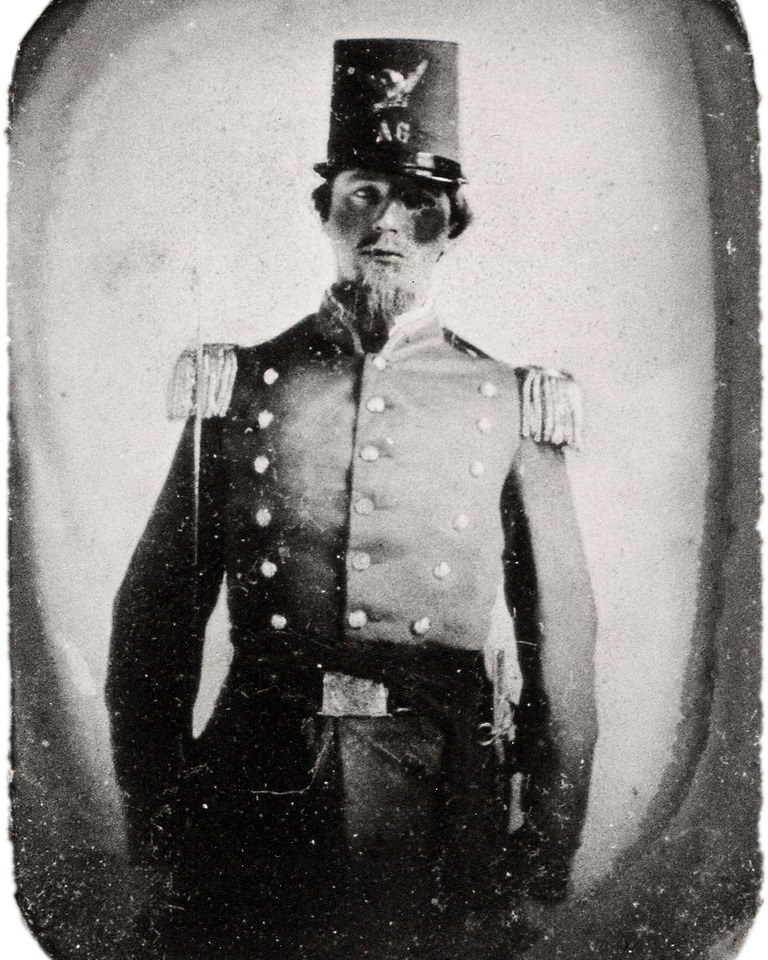
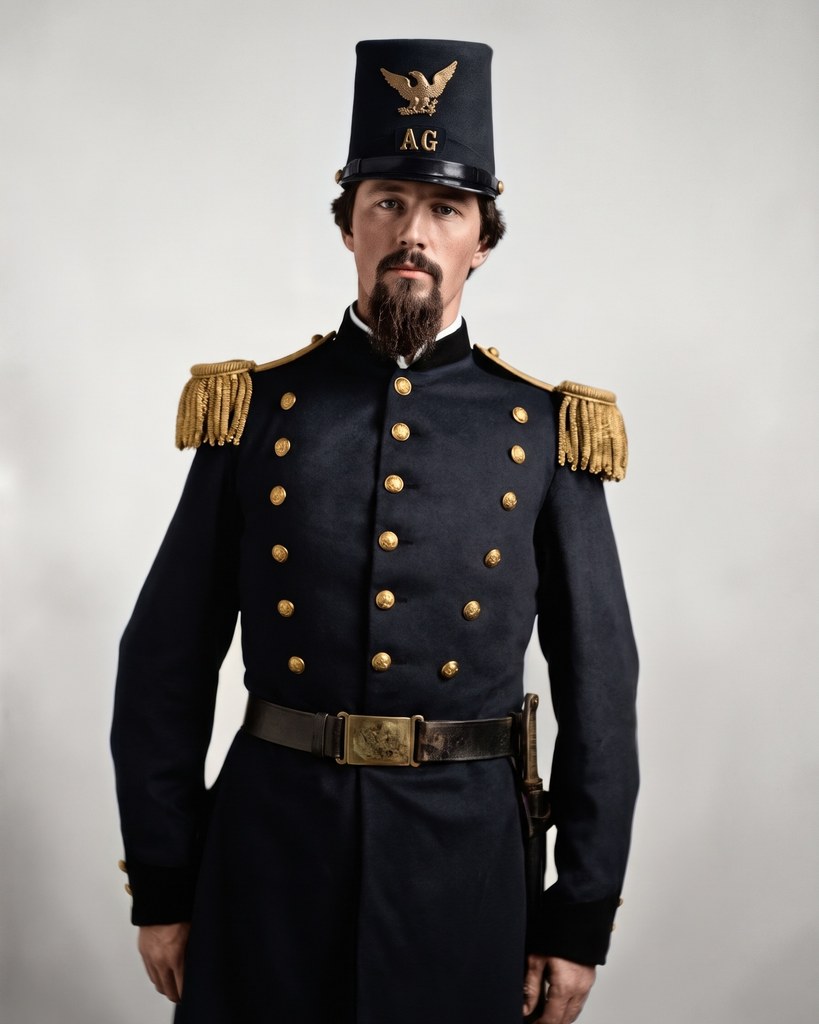
Six old prints, repaired and in colour


Each Original is the print as it was scanned. Each After is what Restore made from that scan alone, with Repair damage, Enhance faces and Colourise on.
How it works
- 1Add a scan or a phone photo of the print
- 2Turn on Colourise if you want it in colour
- 3Press the button and get the restored photo back
Questions
Can I restore an old photo of mine?
Yes. Once you've signed in, Restore opens. Add a scan or a phone photo of the print, turn on Colourise if you want it in colour, and press the button.
What does it repair?
Scratches, tears, creases, dust, spots and stains, and torn or missing parts, filled to match what's around them. Blur and grain go too. Fading stays as it is.
Will the faces still be the same people?
Restore is told to keep every face as it was: the same features, expression, age and hair. Where damage covers part of a face, it has to fill that part in, so look closely at those faces.
Can I restore a photo with children in it?
Everyone in the photo has to be 18 or older, unless it's an old family photo. If someone looks younger than 18, a person checks the photo before you can use it.
Can I use a photo of someone else?
Only with their written consent, as with any photo you add to Luala.
Are these people real?
Yes. These are real old photos in the public domain, from Wikimedia Commons. Each After is Restore's repair and colouring of the print beside it.