Swap the grey wall for a café, a beach or a bookshelf
Replace background puts you somewhere else. Your face, your clothes, your pose and your place in the photo stay; the light on you changes to fit where you are now.
Try it on your photo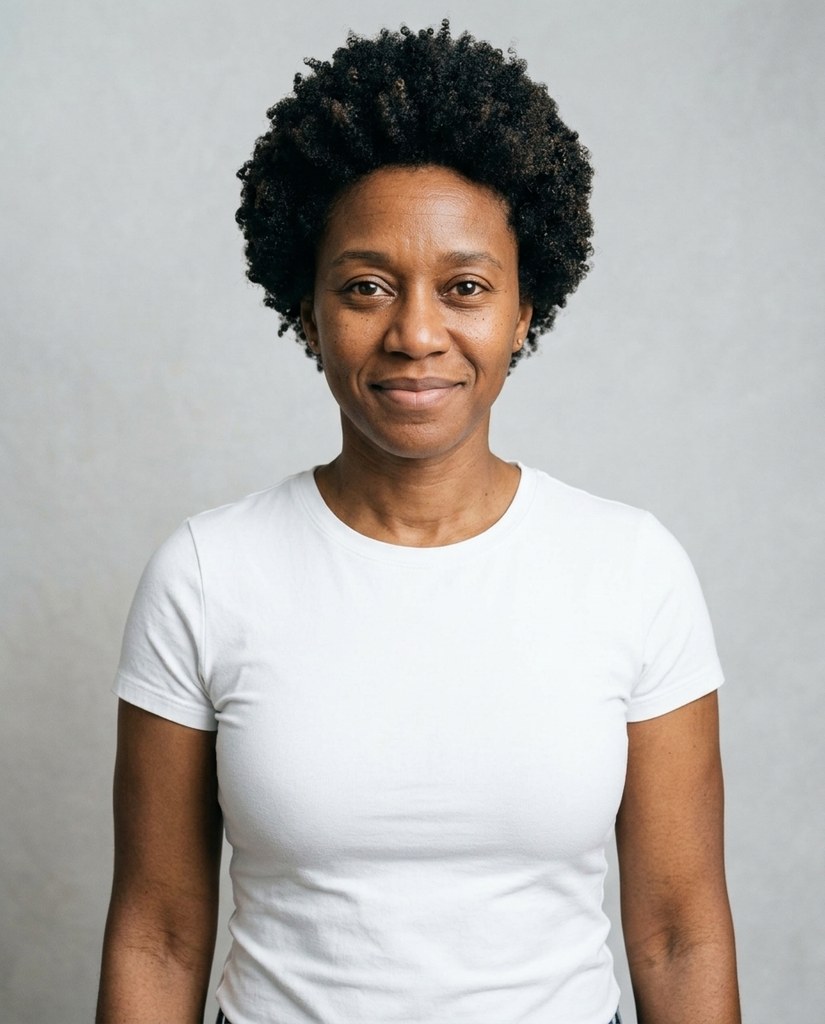
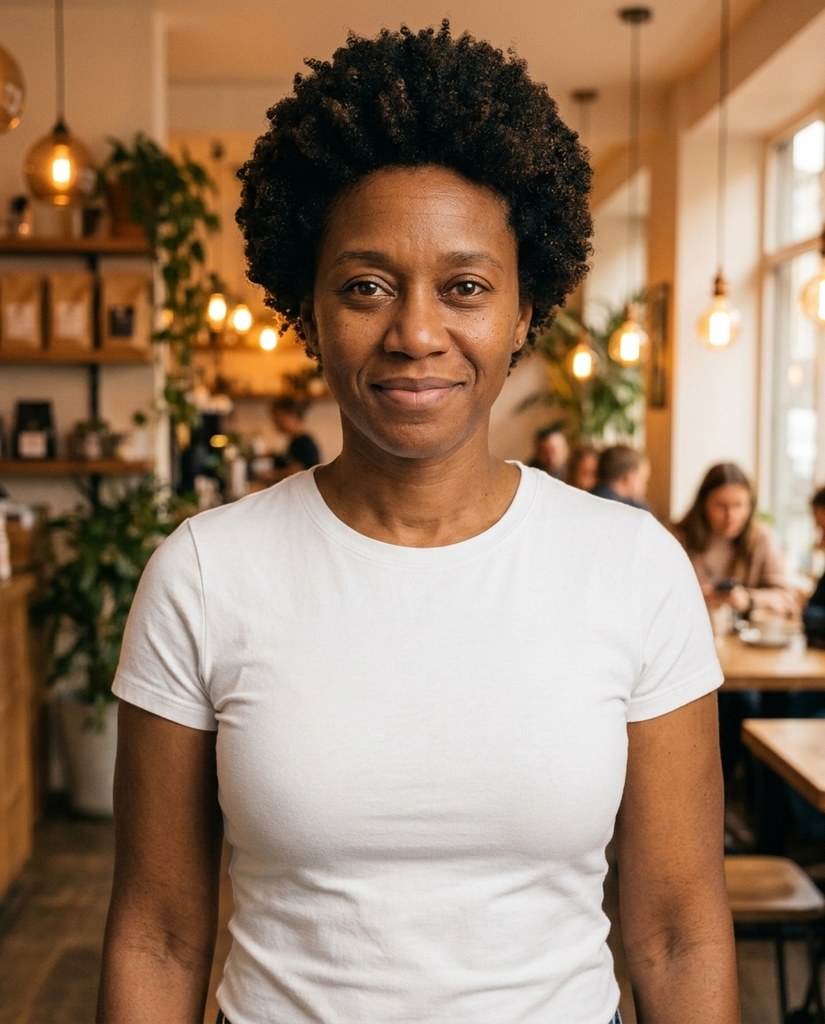
One photo, seven places


Every Original is a sample model against a grey studio wall. Each frame is one place picked in Replace background, on that photo.
How it works
- 1Add a photo to My photos, or pick one Luala made
- 2Tap a place, or describe one in your own words
- 3Press the button and get yourself back, somewhere else
Questions
Can I do this with a photo of mine?
Yes. Once you've signed in, Replace background opens. Add a photo to My photos or pick one Luala made, then tap a place, or describe one in your own words: a rooftop at sunset, a snowed-in cabin.
Will I stay the same size in the photo?
Yes. Replace background keeps you where you were in the frame, at the same size. What changes is what's behind you, and the light on you.
Will it still look like me?
Replace background is told to keep your face, your hair and your clothes as they are. Only the place behind you and the light on you change.
Can I use a photo of a child or a teenager?
No. Everyone in the photo has to be 18 or older. If someone looks younger than that, we check the photo first, and it may not go through.
Can I use a photo of someone else?
Only with their written consent, and everyone in the photo has to be 18 or older.
Are these people real?
No. They're made-up sample models. Each frame here is Replace background's edit of the Original, with that place picked.