See yourself with natural or glam makeup
An AI makeup filter for your own photo. Same face, same pose: natural makeup for every day, or a glam look for a night out. Already wearing makeup? Change takes it off too.
Try it on your photo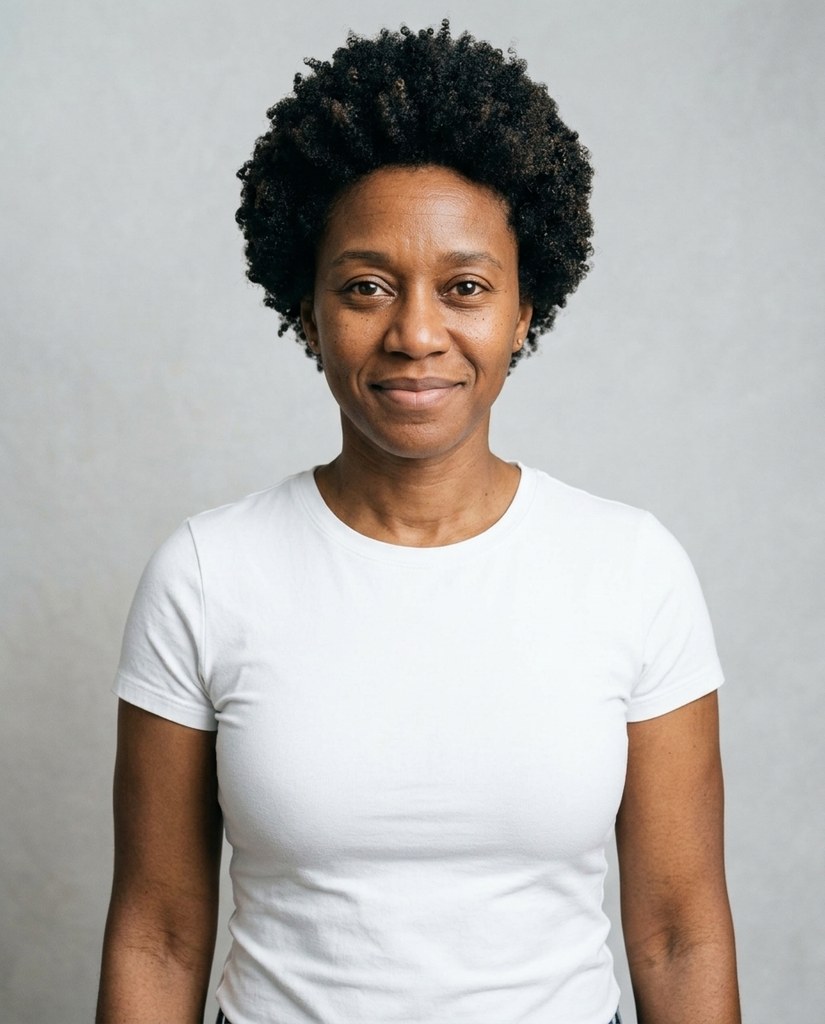
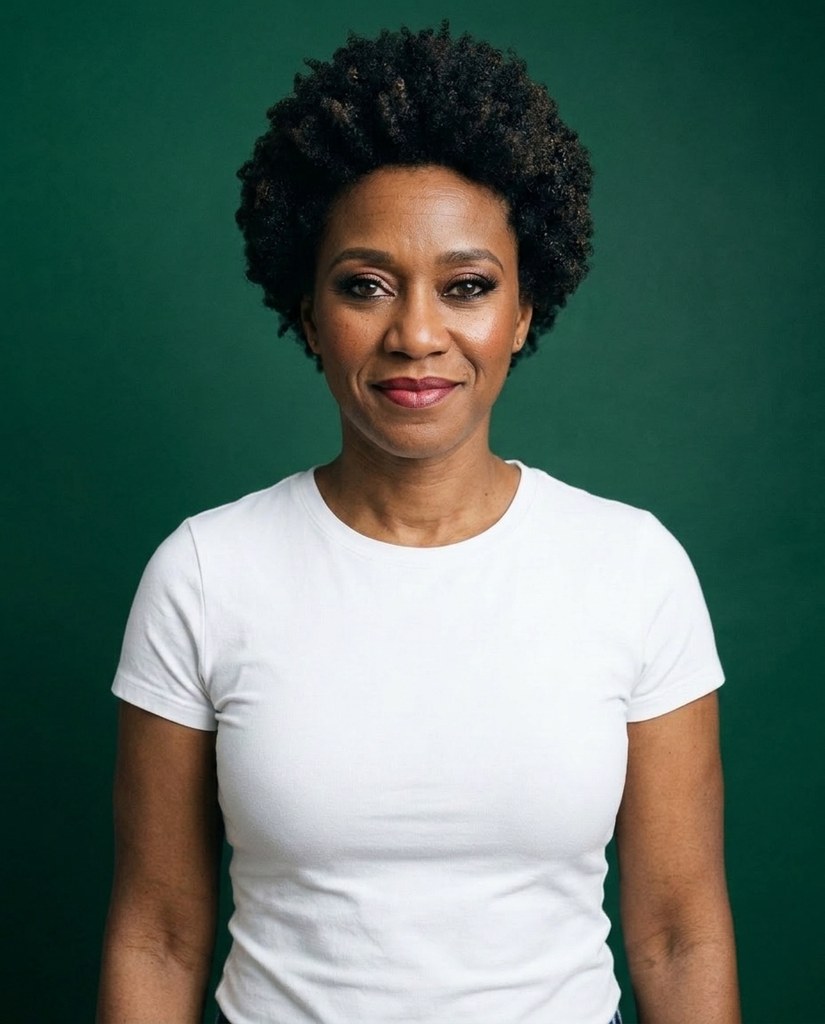
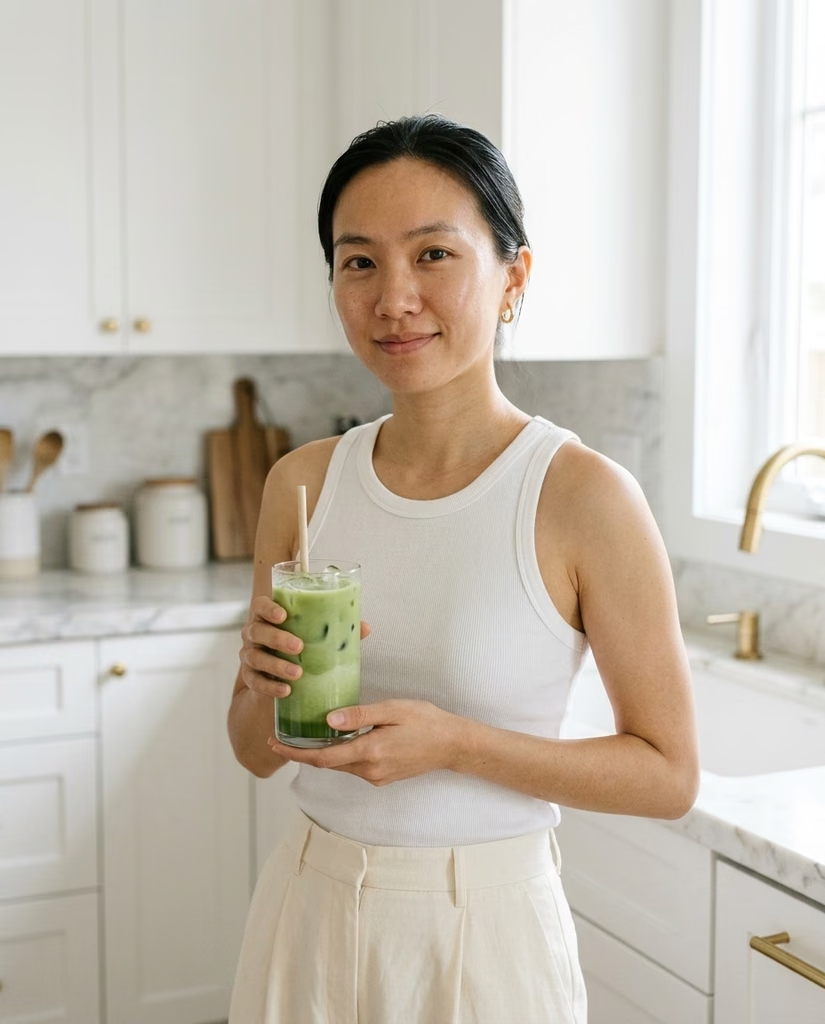
One face, two looks


Planning a look for a wedding or a night out? See it on a photo of you first.
How it works
- 1Add a photo of you
- 2Under Makeup, pick Natural or Glam
- 3Press the button and get the photo back
Two looks
Natural
Natural: a light, everyday look.
Glam
Glam: bold eyes and lips for a night out.


Every makeup in one shoot
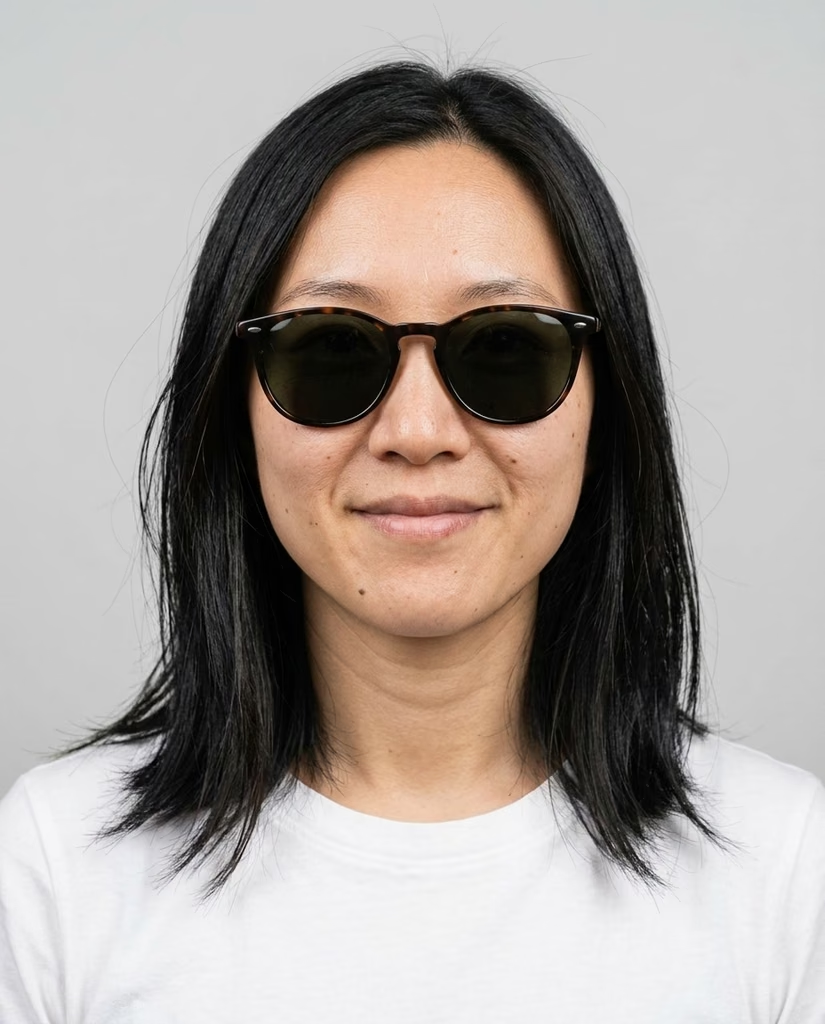
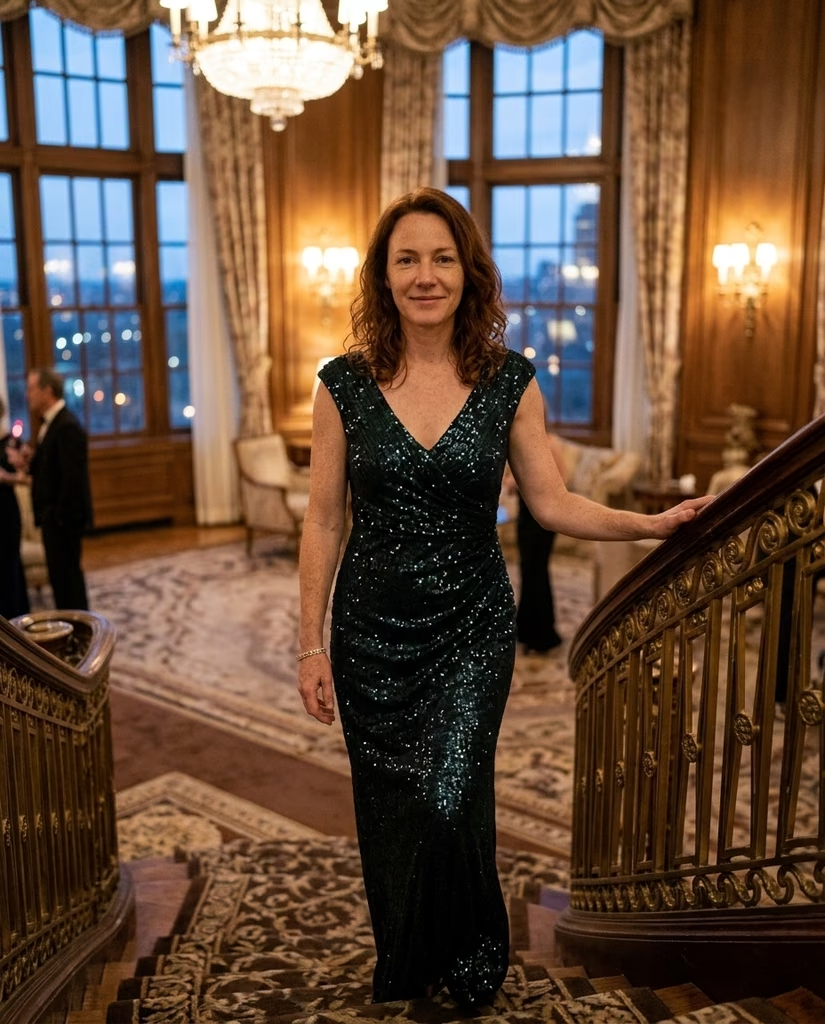
The Glasses and makeup lookbook shows you in each makeup and each pair of glasses, one photo each. The packs after it have the same Makeup setting: pick Glam and every photo in the shoot has it.

Questions
Can I do this with a photo of me?
Yes. Once you've signed in, Change opens with the look you picked above. If you didn't pick one, it's Glam, and Original opens it with nothing picked. Add your photo there, and pick the other look if you like.
Can I take my makeup off in a photo?
Yes. In Change, pick None under Makeup. The rest of the photo stays as it was.
Can I try a particular lipstick or palette?
No. Change paints a natural or glam look that suits the photo, not a product from a shop.
Can I use a photo of a child or a teenager?
No. Everyone in the photo has to be 18 or older. If someone looks younger than that, we check the photo first, and it may not go through.
Can I use a photo of someone else?
Only with their written consent, and everyone in the photo has to be 18 or older.
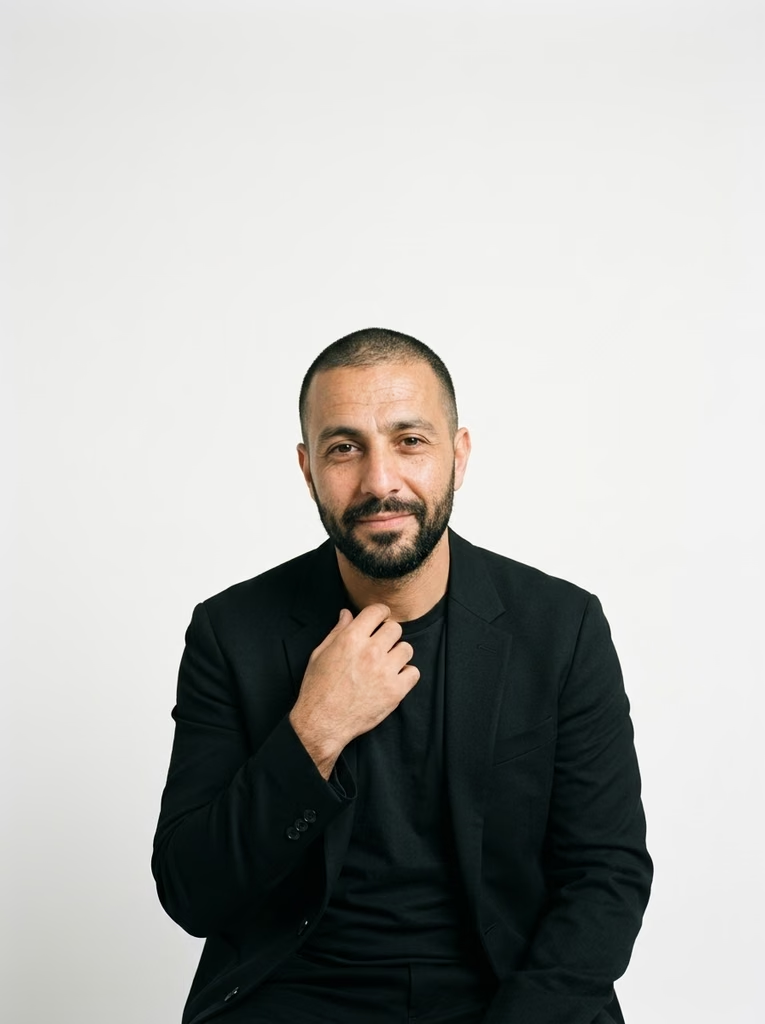
Are these people real?
No. They're made-up sample models. Each one's Original is her own photo, every other photo of them came from the Change tool you get in the app, and every shoot from one of the app's packs.